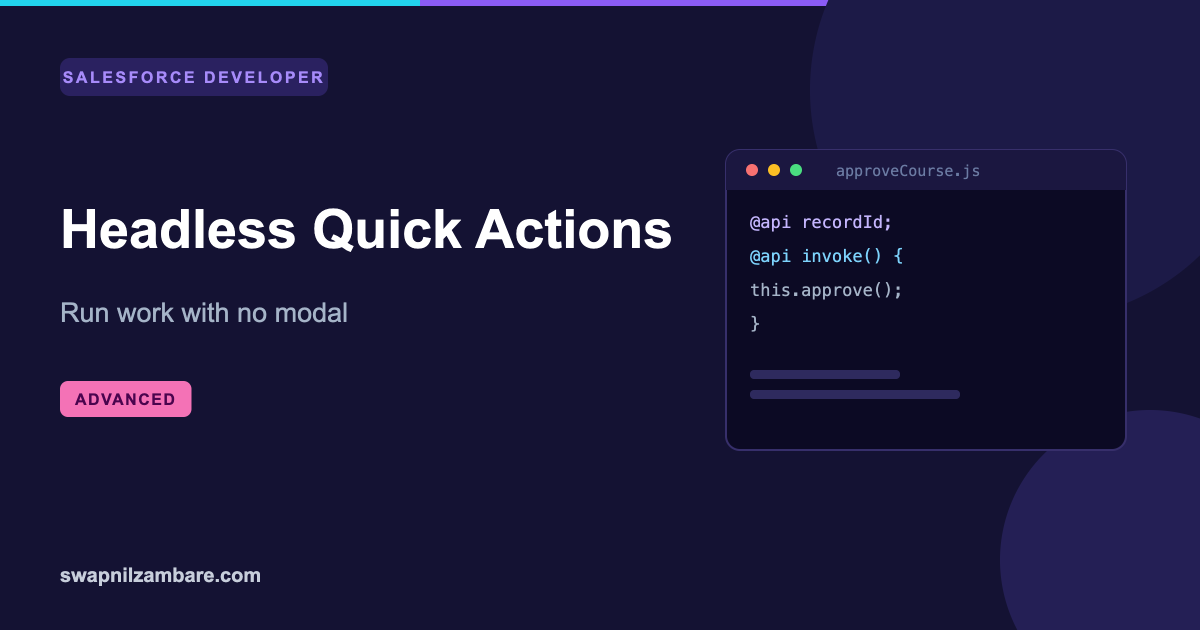
Level: AdvancedLightning Web Components
LWC Headless Quick Actions Explained with Examples
LWC Headless Quick Actions run a piece of work on a record without opening a modal at all. The user clicks a button, something…
Tag
LWC Headless Quick Actions run a piece of work on a record without opening a modal at all. The user clicks a button, something…
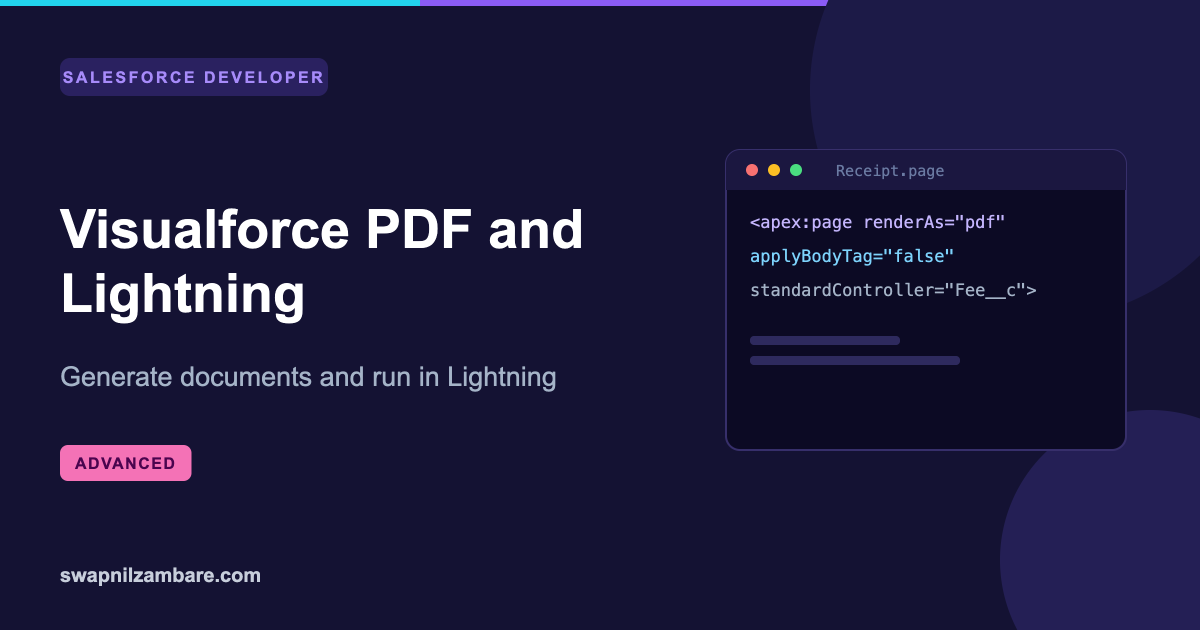
Visualforce PDF rendering is still the simplest way to produce a document from Salesforce data without buying anything. Add one attribute to a page…
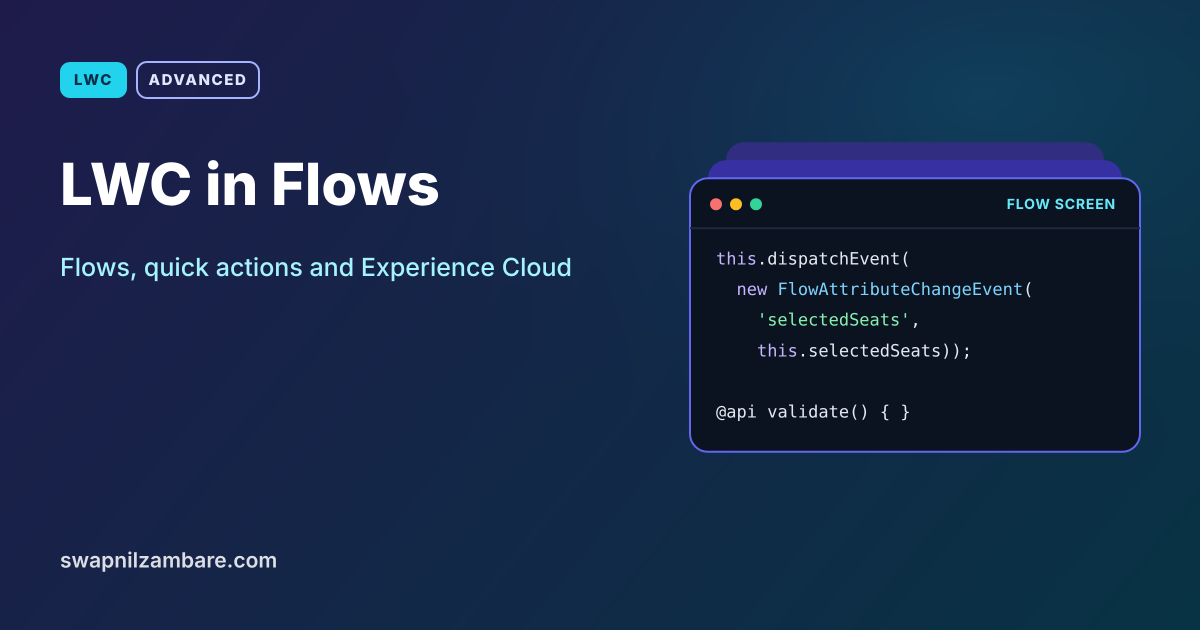
LWC in Flows lets admins drop your custom component onto a flow screen, pass values in and get values back, just like a standard…
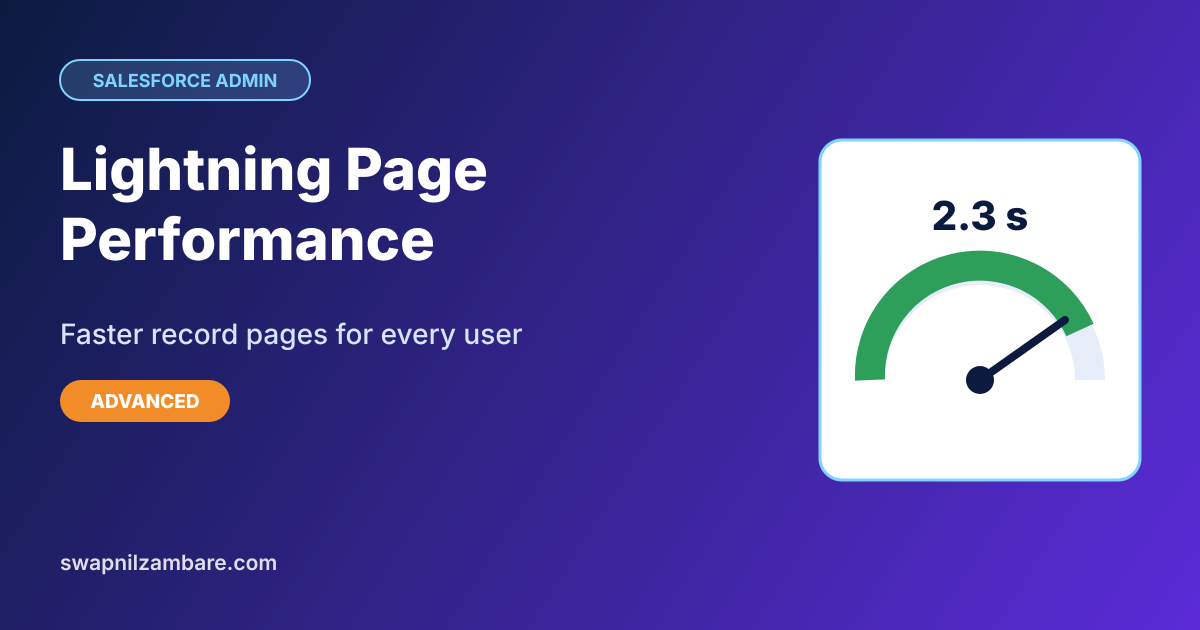
Lightning Page Performance is how fast a Lightning record page loads and becomes usable, and admins can measure and improve it without code. A…
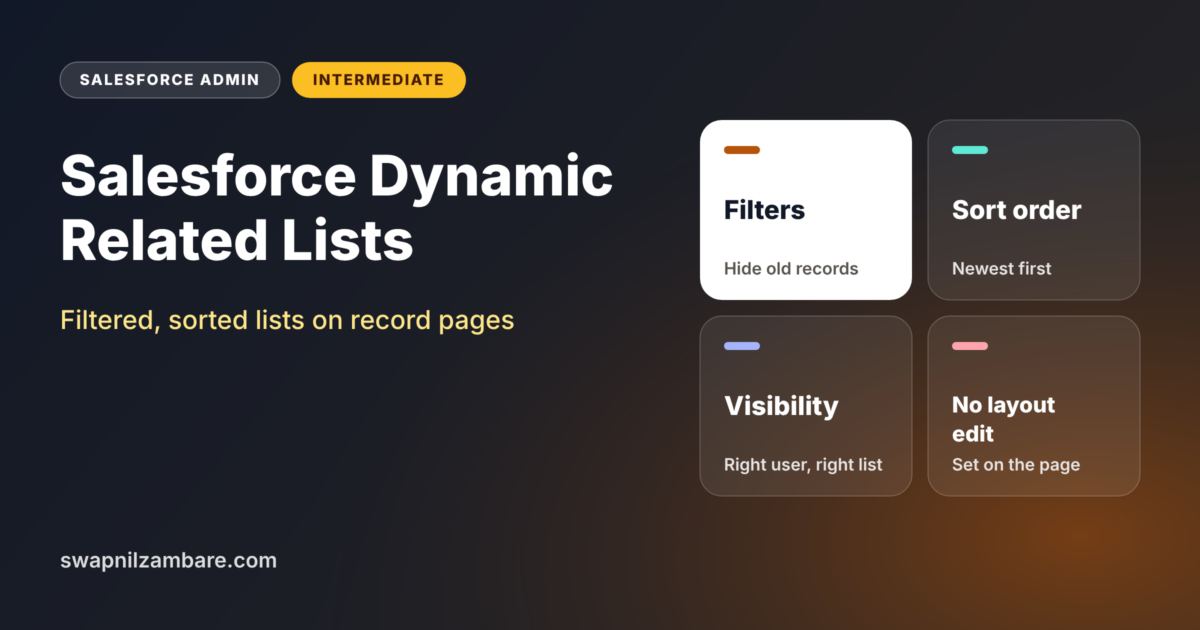
Salesforce Dynamic Related Lists let you control a related list right on the Lightning record page, without touching the page layout. You can choose…
Salesforce Dynamic Forms let you place fields and field sections anywhere on a Lightning record page and show or hide them based on rules,…

Lightning App Builder is the drag-and-drop tool you use to design pages in Salesforce. You already used it in our page layouts and Lightning…
Salesforce Field Sets let an admin choose a group of fields that custom pages and components read automatically. When you add a field to…
The Lightning Home Page is the first screen a user sees after login. If it shows the right numbers and tasks, people start their…
Lightning Experience vs Classic is a question every new admin meets early. Most orgs run in Lightning today, but some old orgs still have…