Level: AdvancedAsync Apex
Batch Apex: start, execute and finish Explained with Examples
Batch Apex processes very large numbers of records by splitting them into small chunks and running each chunk in its own transaction. One transaction…
Batch Apex processes very large numbers of records by splitting them into small chunks and running each chunk in its own transaction. One transaction…
Queueable Apex is the modern way to run background work in Salesforce. You write a class that implements the Queueable interface, queue it with…
Apex Future Methods are the simplest way to run a piece of Apex in the background. You add the @future annotation to a static…
Asynchronous Apex is Apex that Salesforce runs later, in the background, instead of while the user waits. You use it when work is too…
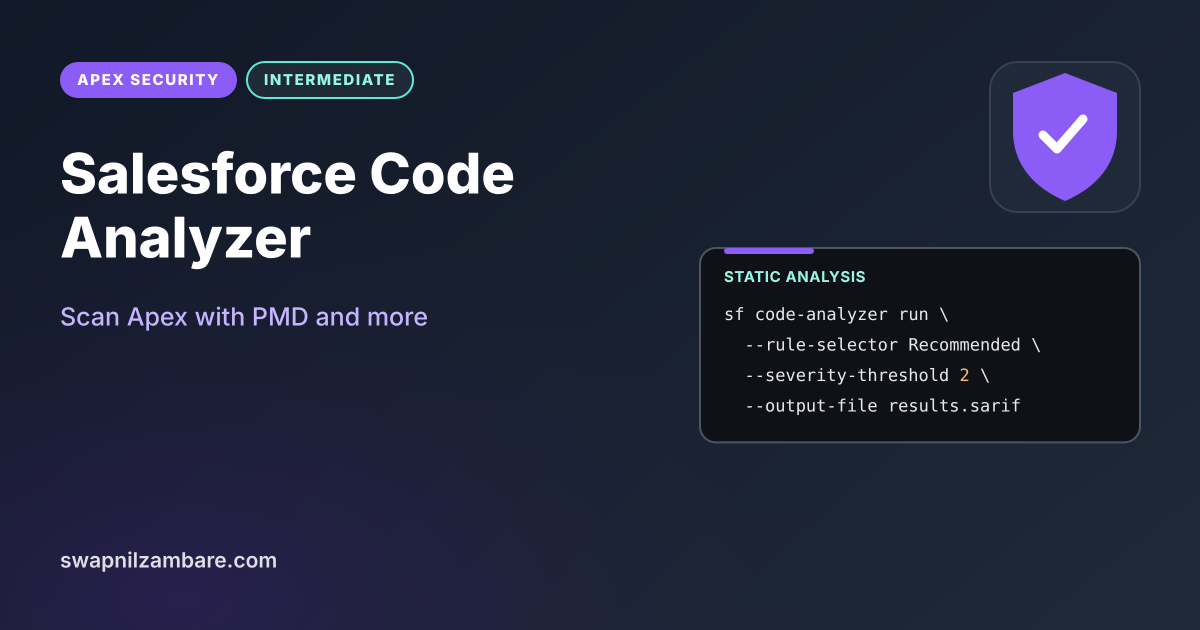
Salesforce Code Analyzer is a free scanner that reads your Apex, Lightning, Visualforce and Flow code and reports security and quality problems before they…
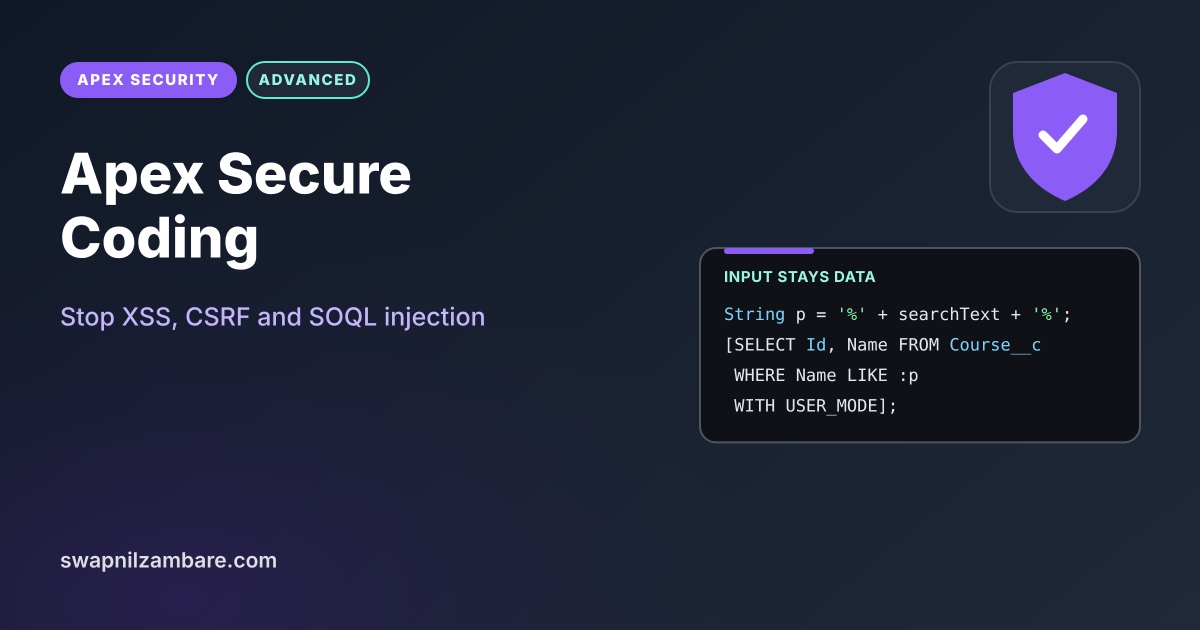
Apex Secure Coding means writing Apex, Visualforce and Lightning code that attackers cannot trick into leaking or changing data. Sharing, CRUD and FLS protect…
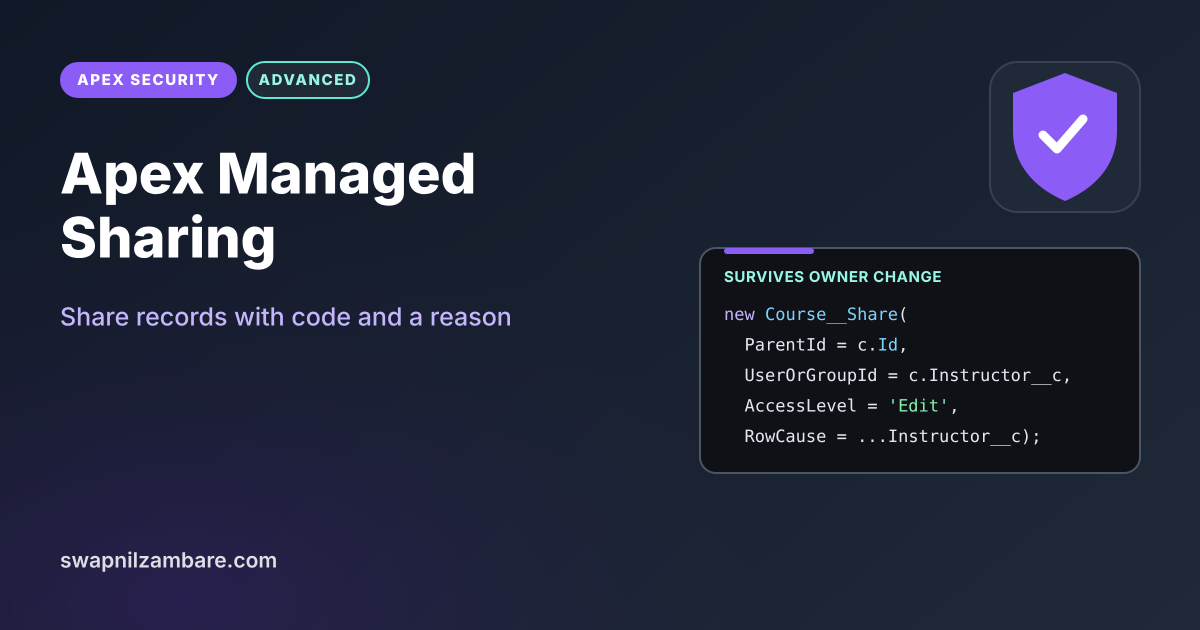
Apex Managed Sharing lets your code give a user or group access to a record when sharing rules cannot express the rule. For example,…
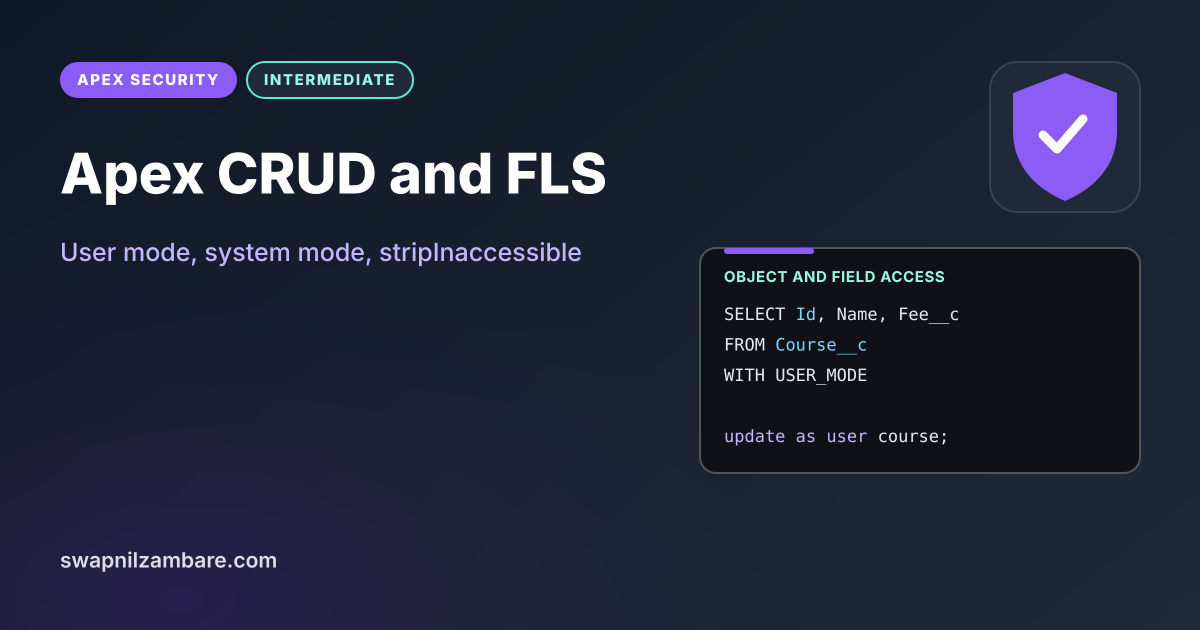
Apex CRUD and FLS checks make sure your code respects what a user may do with an object and which fields they may see…
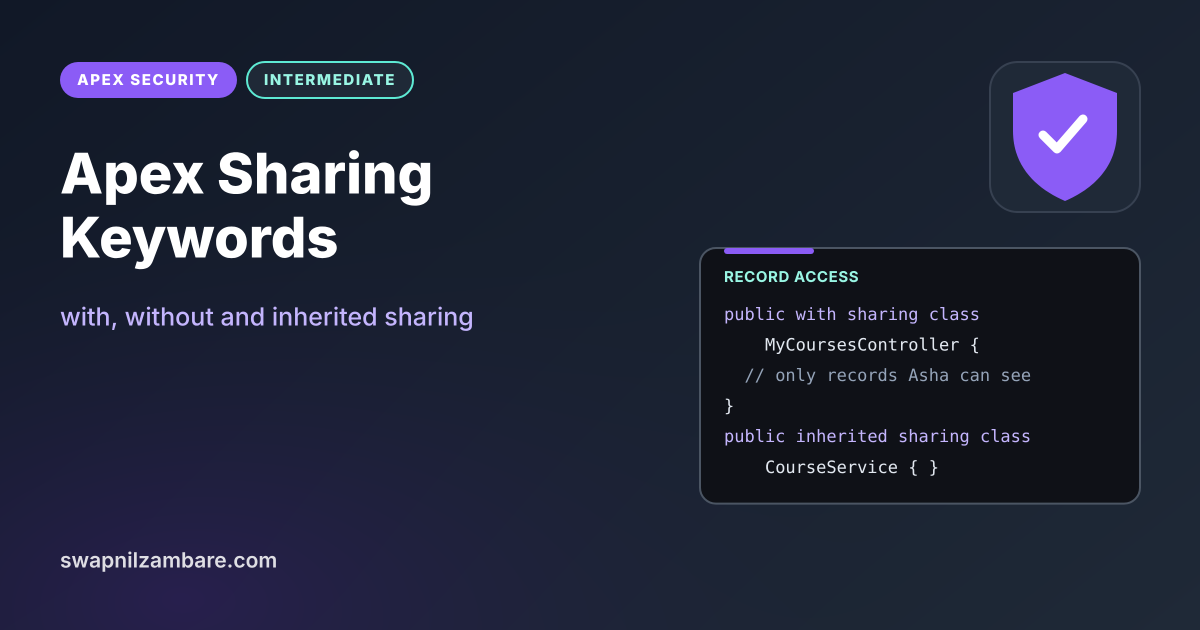
Apex Sharing Keywords decide whether your code respects the record access of the person running it. With the right keyword, a teacher sees only…
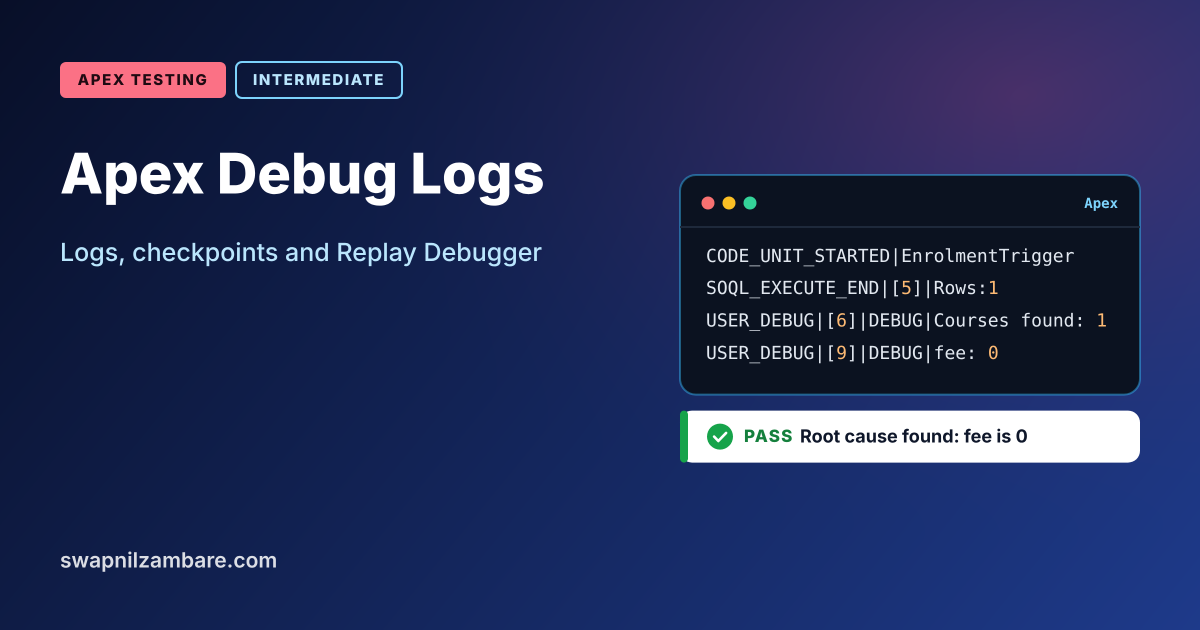
Apex Debug Logs record what happened inside a Salesforce transaction: every query, DML statement, debug message, limit and error. When a test fails or…