Level: BeginnerObjects, Fields and UI
Salesforce Themes and Branding: Logos, Colours and Login Page
Salesforce Themes and Branding let you make Salesforce look like your own company. With a few settings, you can add your logo and set…
Salesforce Themes and Branding let you make Salesforce look like your own company. With a few settings, you can add your logo and set…
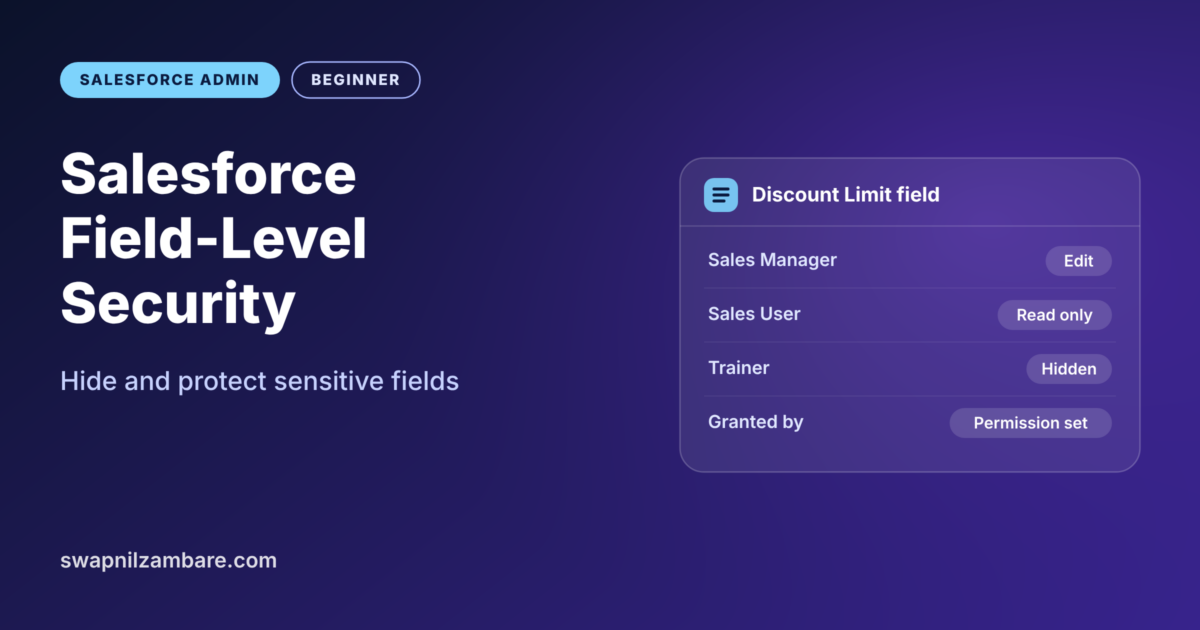
Salesforce Field-Level Security controls who can see a field and who can edit it. Admins often call it FLS. For example, everyone may see…
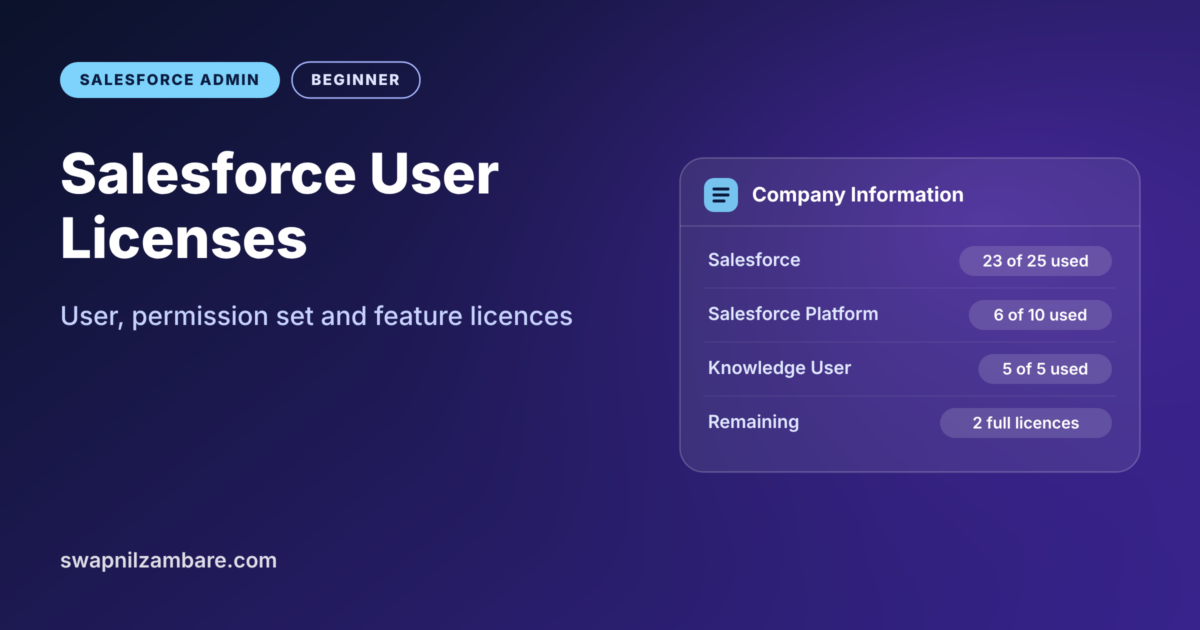
Salesforce User Licenses decide which parts of Salesforce a person can use at all. Before a profile or permission set can give access, the…
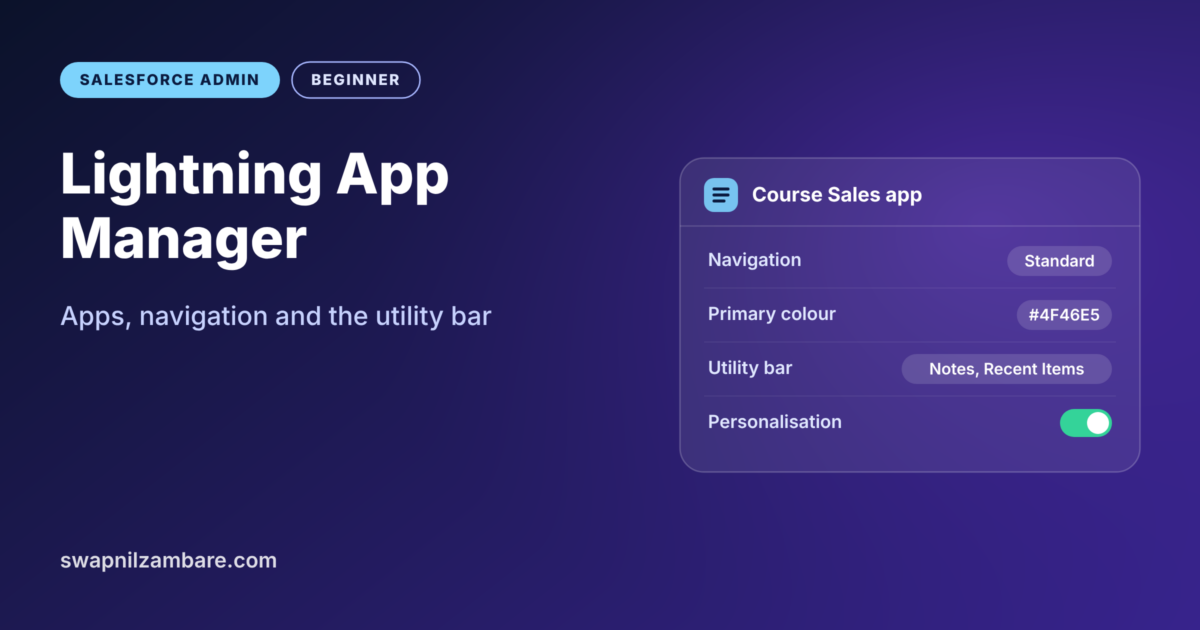
Lightning App Manager is the Setup page where admins create and edit Lightning apps. An app groups tabs, a brand colour and a set…
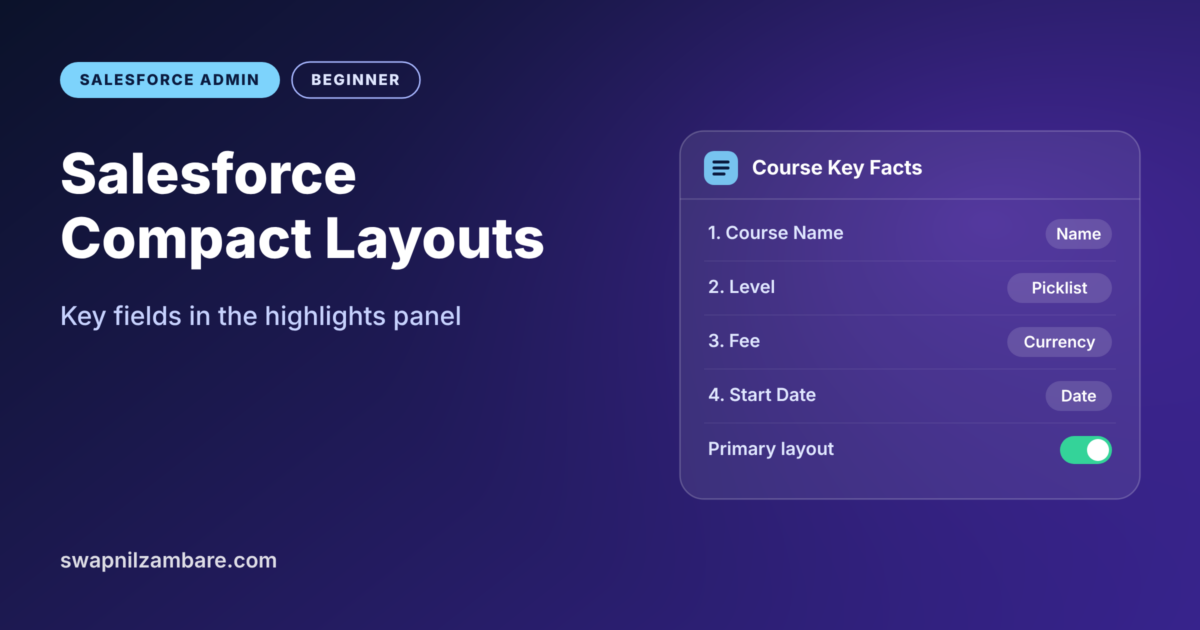
Salesforce Compact Layouts decide which key fields users see at the very top of a record. Salesforce calls that top strip the highlights panel.…
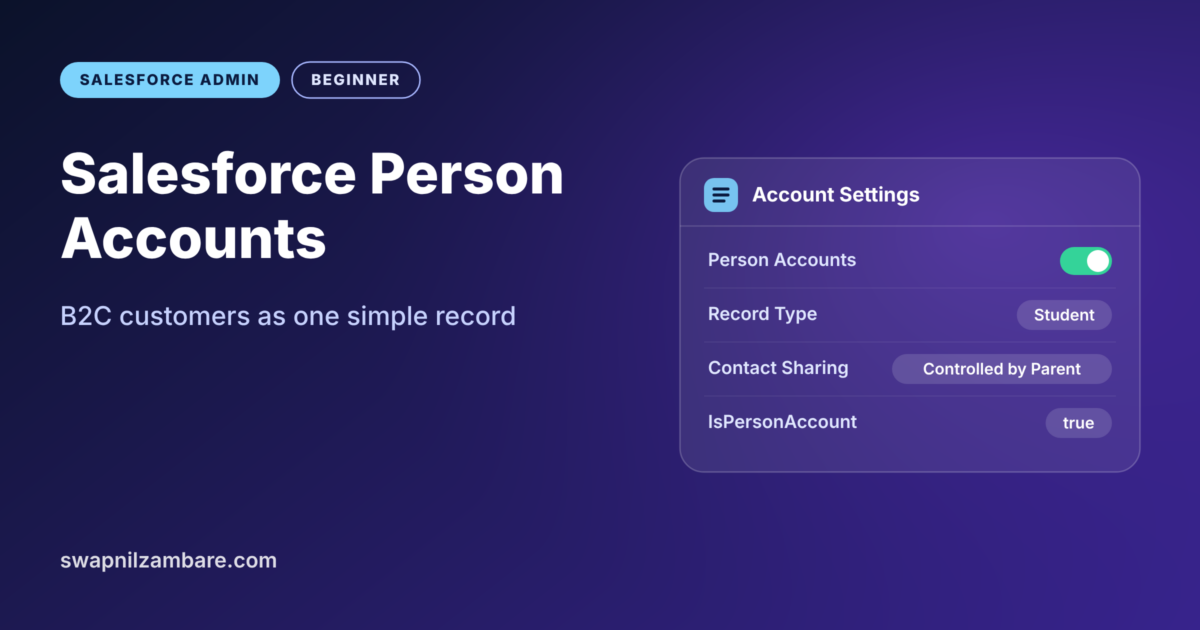
Salesforce Person Accounts let you store an individual customer, such as a student or a patient, as one simple record. Normally Salesforce expects every…
Salesforce Admin Topics on this blog cover everything a new admin needs, from cloud basics to security, automation, reports and AI. This page puts…
Salesforce Cases are records that track a customer’s question, problem or request until your support team solves it. A case keeps every email, call…
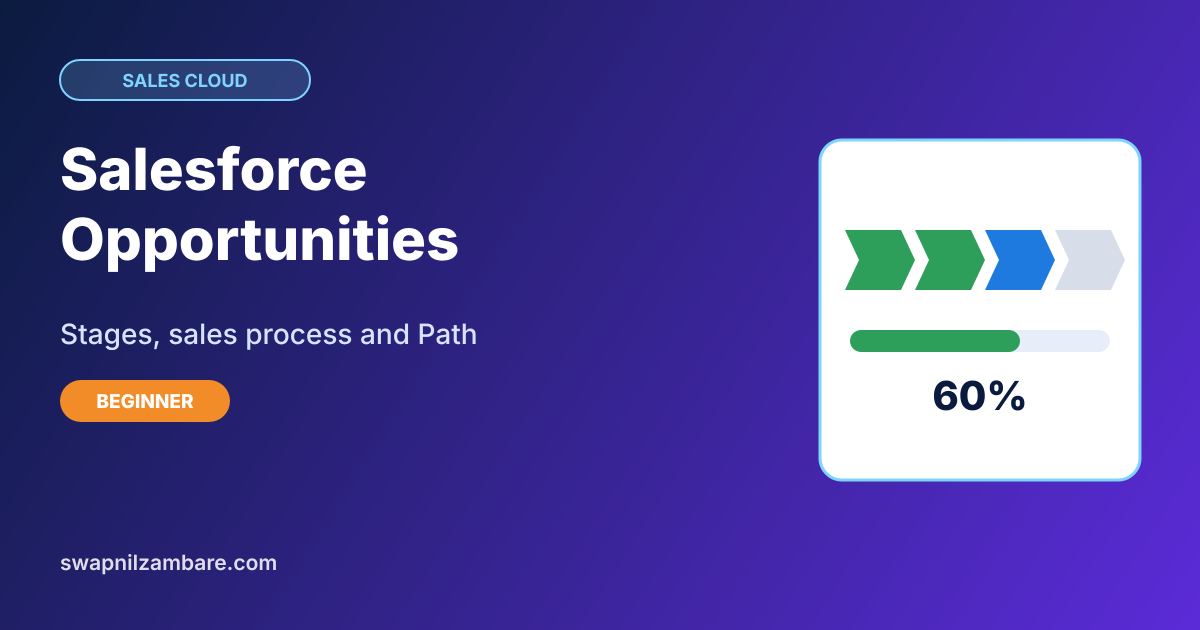
Salesforce Opportunities track the deals your team is working on, from the first conversation to a signed order or a lost deal. An opportunity…
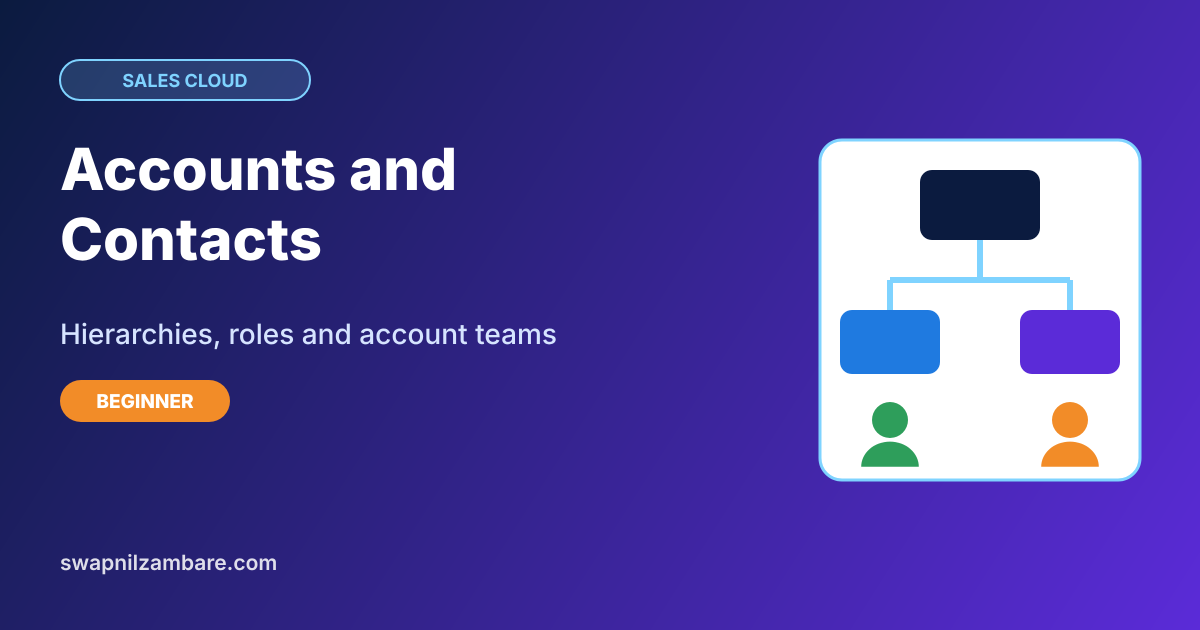
Salesforce Accounts and Contacts are the heart of every sales org, because they store the companies you work with and the people inside them.…