Level: IntermediateSalesforce
Salesforce Manual Sharing and Account, Opportunity and Case Teams
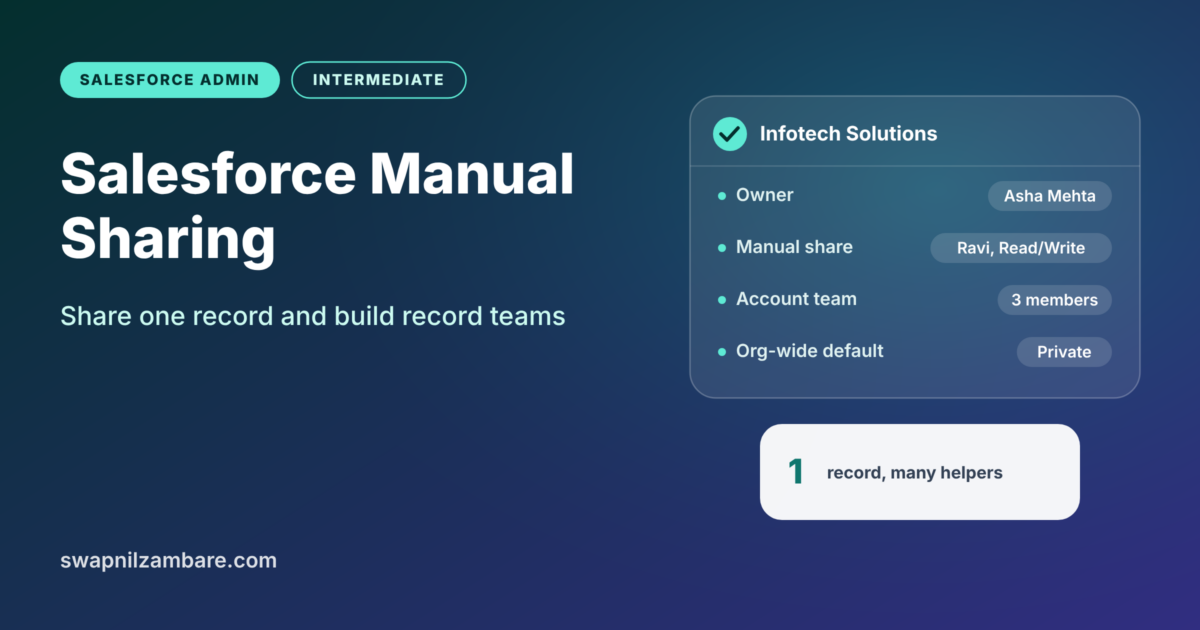
Salesforce Manual Sharing lets a record owner give access to one specific record, one person at a time. Teams take the same idea further.…
Salesforce Manual Sharing lets a record owner give access to one specific record, one person at a time. Teams take the same idea further.…
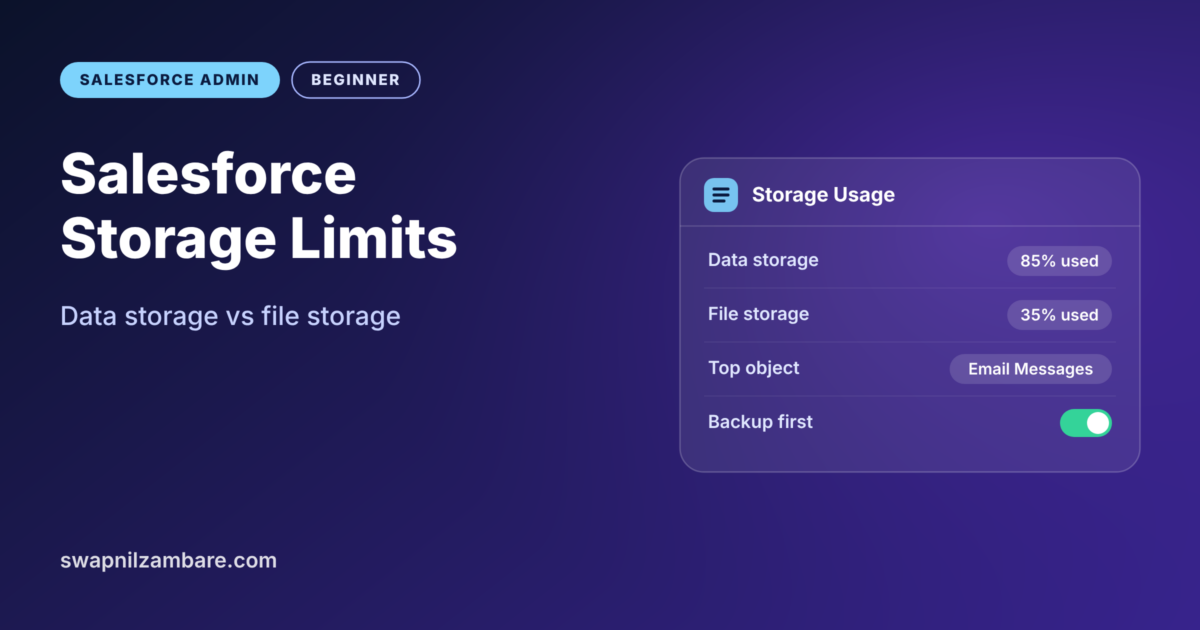
Salesforce Storage Limits decide how much data and how many files your org can hold. Every record, email and file uses some space. When…
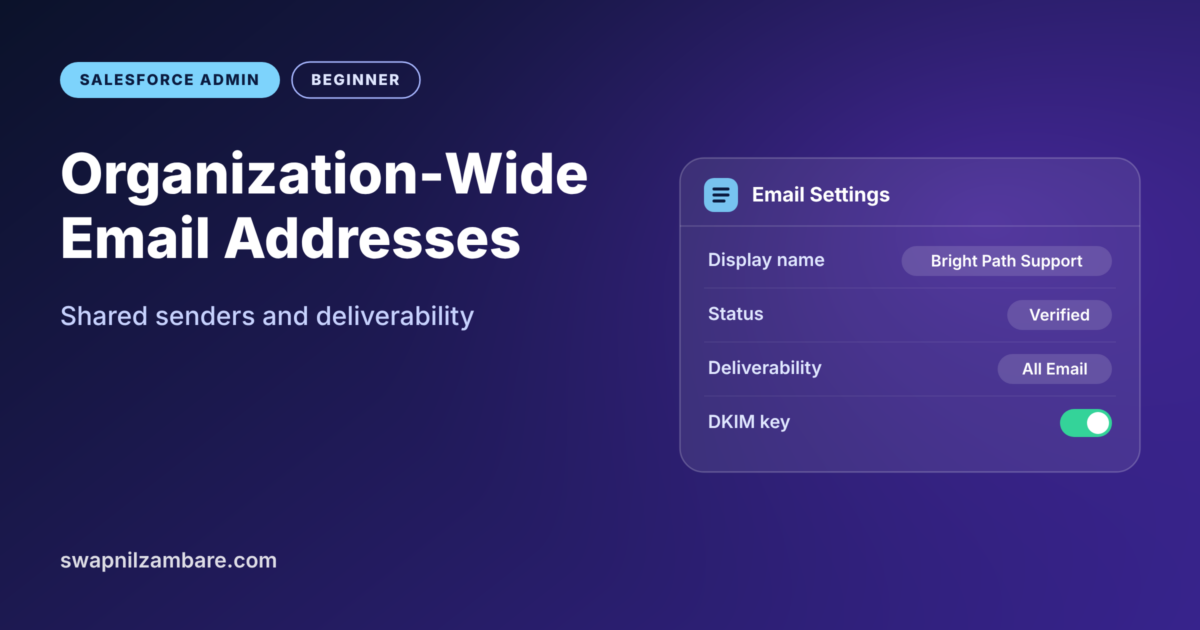
Organization-Wide Email Addresses let Salesforce send emails from a shared address, such as support@brightpathtutors.com, instead of a person’s own mailbox. Customers then see your…
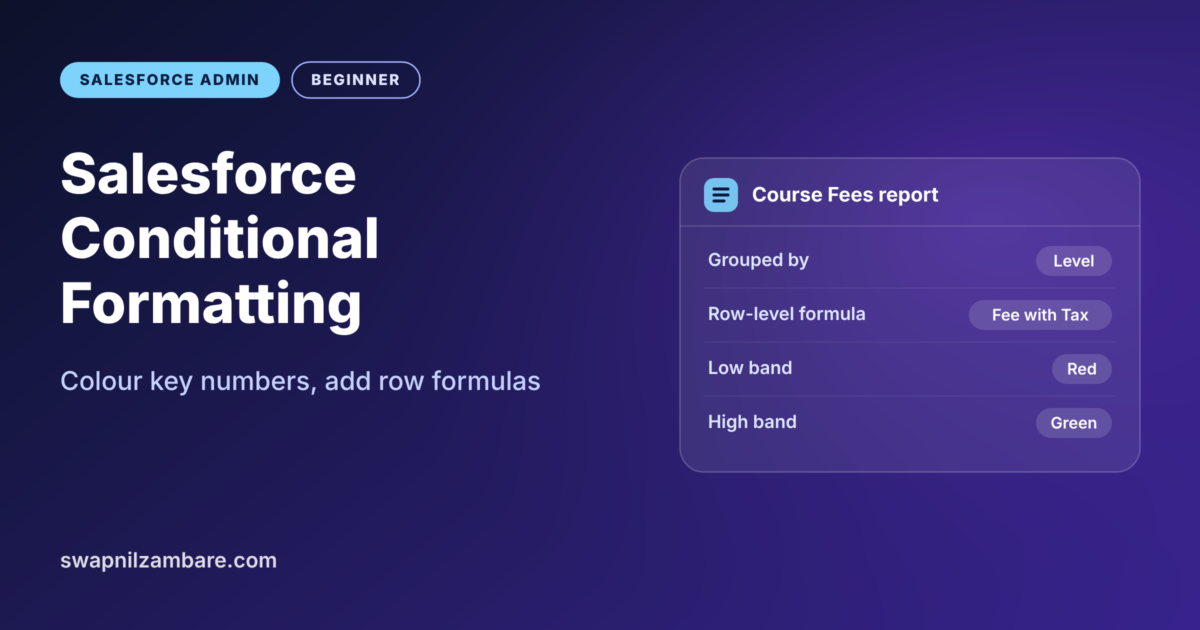
Salesforce Conditional Formatting colours numbers in a report so problems stand out at a glance. Red for low, yellow for okay and green for…
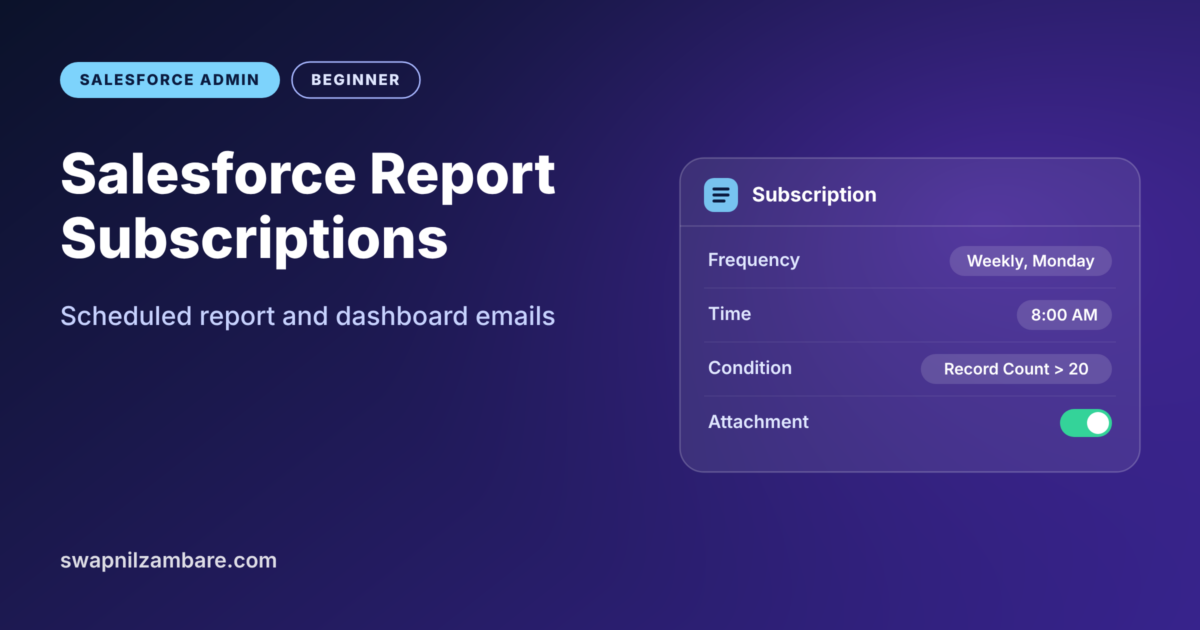
Salesforce Report Subscriptions send a report to your inbox on a schedule, without anyone opening Salesforce. You choose the report, the time and the…
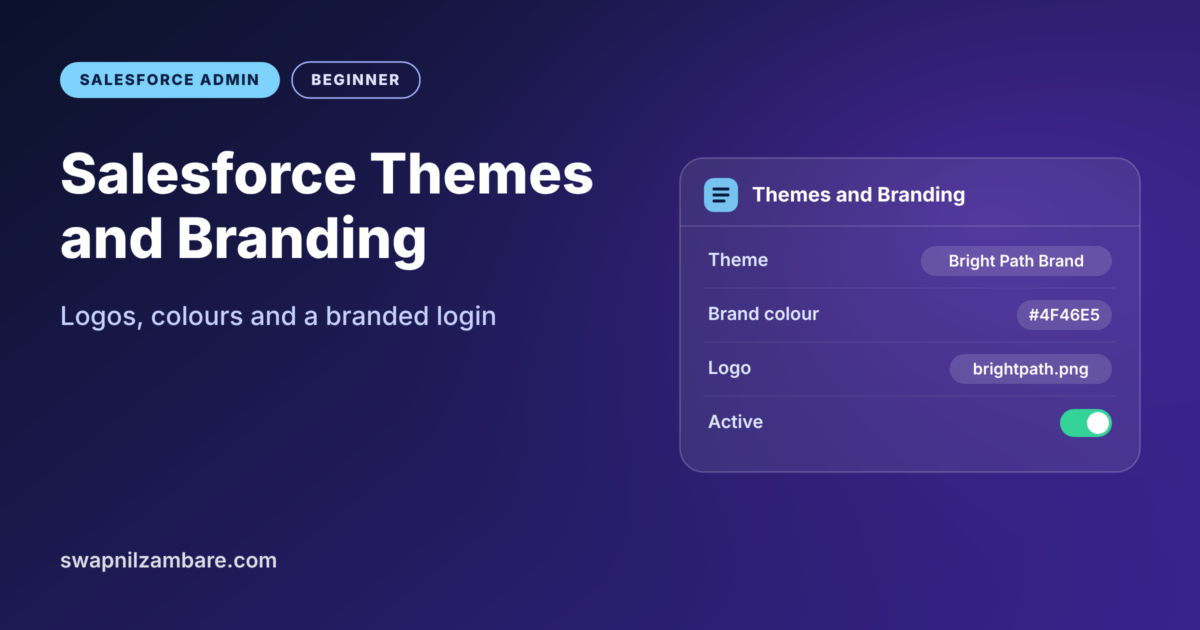
Salesforce Themes and Branding let you make Salesforce look like your own company. With a few settings, you can add your logo and set…
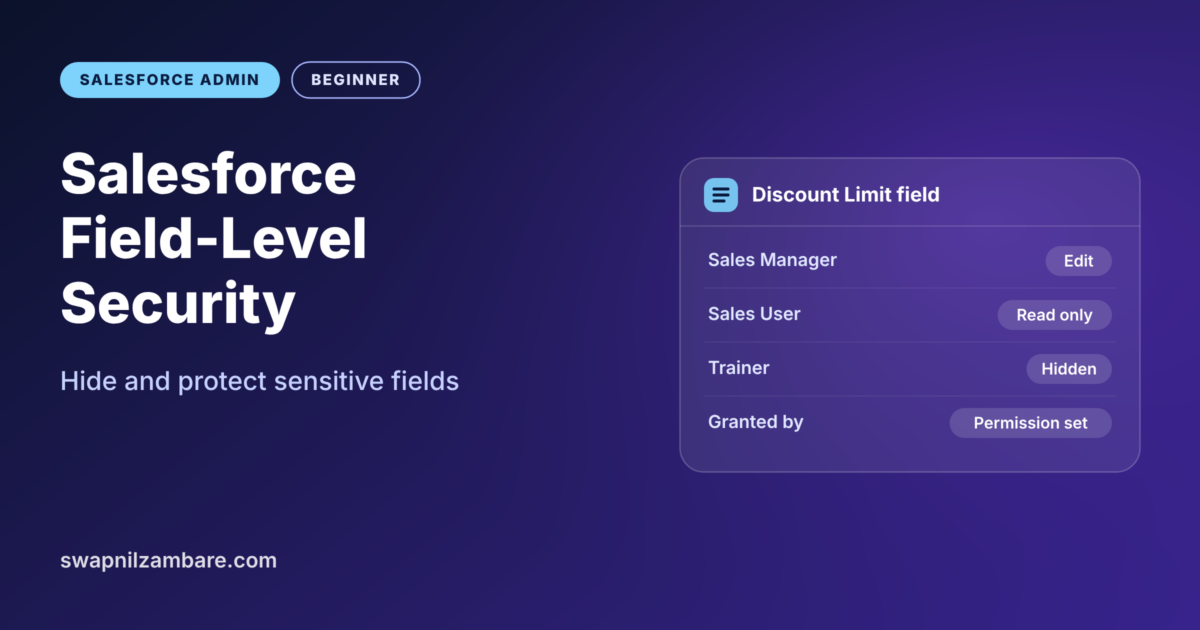
Salesforce Field-Level Security controls who can see a field and who can edit it. Admins often call it FLS. For example, everyone may see…
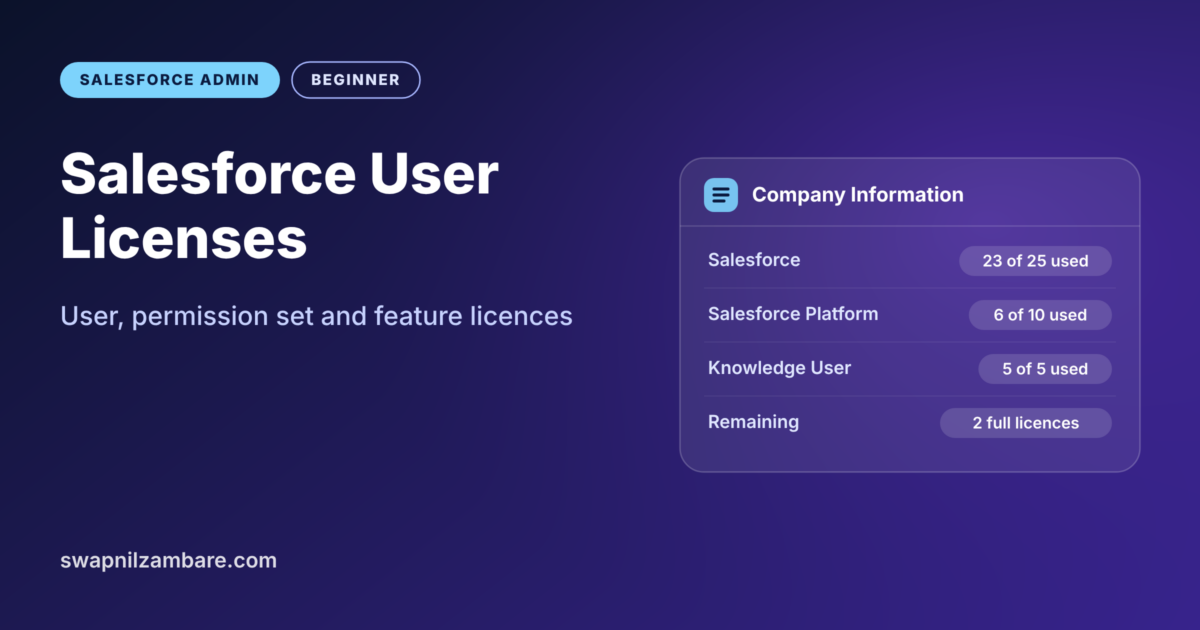
Salesforce User Licenses decide which parts of Salesforce a person can use at all. Before a profile or permission set can give access, the…
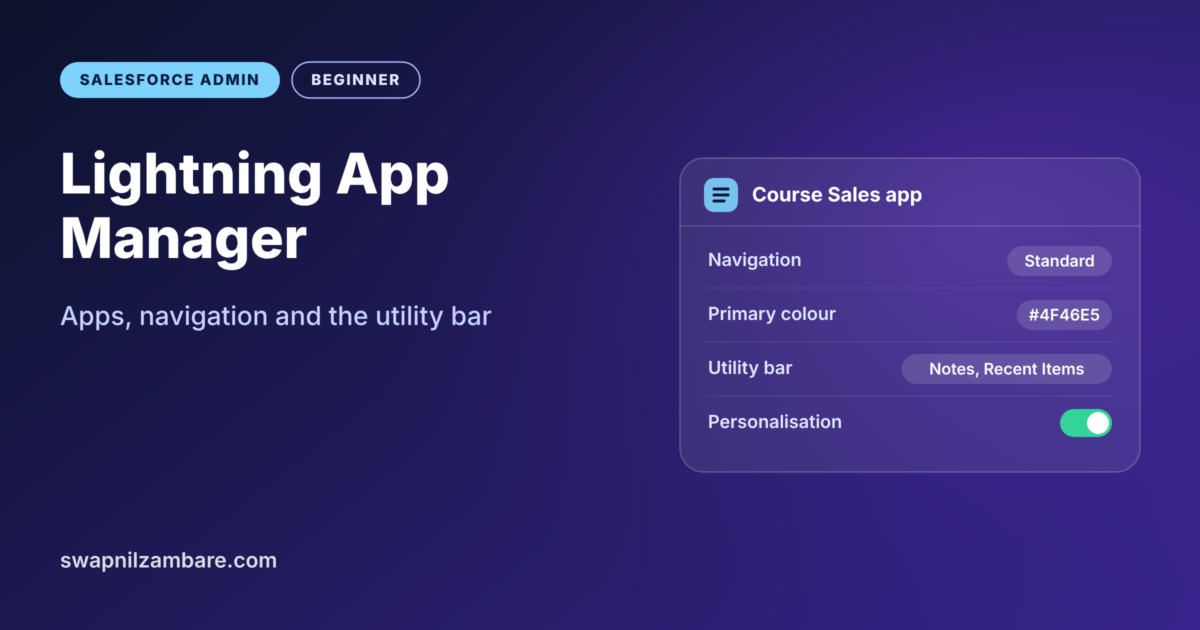
Lightning App Manager is the Setup page where admins create and edit Lightning apps. An app groups tabs, a brand colour and a set…
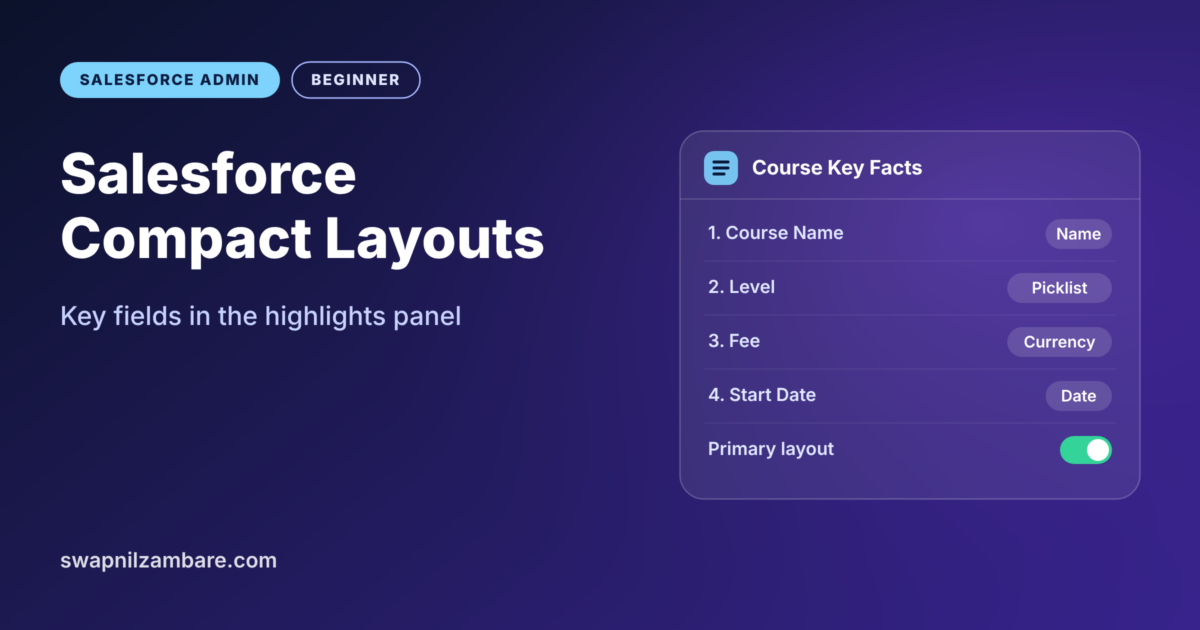
Salesforce Compact Layouts decide which key fields users see at the very top of a record. Salesforce calls that top strip the highlights panel.…