Introduction
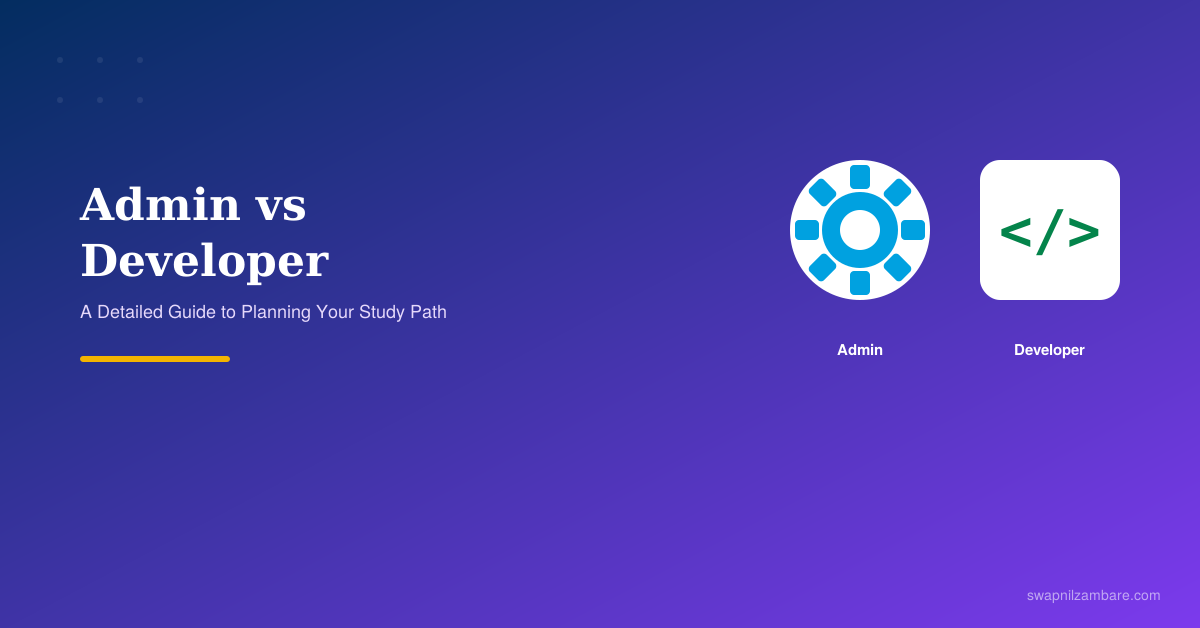
By now, you understand what Salesforce is, and you have explored Trailhead. The next big decision beginners face is Salesforce Admin vs Developer: which path should you learn first?
This post explains both roles with real examples. By the end, you can make this choice with confidence instead of guessing.
The Two Main Paths in Salesforce
| Path | What You Do | Main Tools | Coding Required |
|---|---|---|---|
| Admin | Configure and manage Salesforce using clicks | Flow Builder, Setup, Reports | No |
| Developer | Build custom features using code | Apex, Lightning Web Components | Yes |
Both paths are valid, well-paid careers. Neither one is “easier” in a general sense. They simply use different skills to solve different kinds of problems.
What Does a Salesforce Admin Actually Do?
Think of an Admin as the person who sets up and runs the system every day, so the business works smoothly. An Admin typically handles:
- User management: creating accounts, resetting passwords, assigning roles
- Automation: building Flows so repetitive tasks happen automatically
- Security: deciding who can see and edit what information
- Reports and dashboards: turning raw data into charts managers can understand
- Data management: keeping records clean, accurate, and duplicate-free
A Real Admin Example
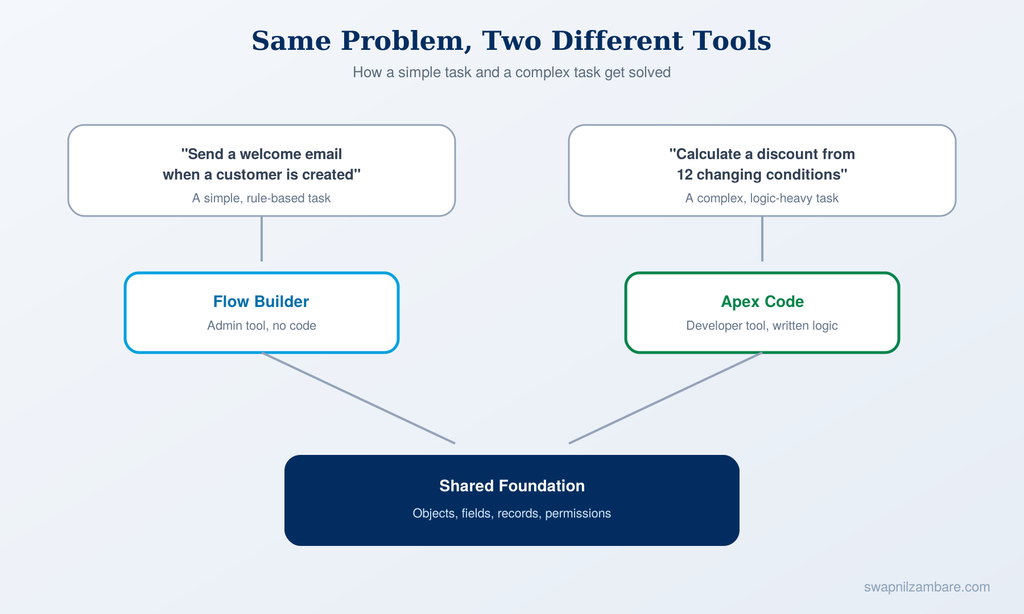
Imagine a company wants this rule: “Whenever a new customer record is created, send a welcome email and notify the sales manager.” An Admin builds this using Flow Builder, a visual, drag-and-drop tool. No programming is needed.
What Does a Salesforce Developer Actually Do?
A Developer solves the problems that clicks alone cannot. A Developer typically handles:
- Apex programming: Salesforce’s own coding language, similar in style to Java
- Lightning Web Components (LWC): building custom screens and user interfaces
- Integrations: connecting Salesforce to outside systems, like a company’s own website or a payment gateway
- Complex business logic: situations with many conditions that automation tools cannot handle well
- Testing: writing test code to make sure new features work correctly before going live
A Real Developer Example
Imagine a company needs this rule: “Calculate a customer’s loyalty discount from 12 factors, such as purchase history, region, and account age. The result must update instantly as the sales rep types.” Logic this complex usually needs Apex code, because Flow Builder becomes hard to manage at this scale.
A Tiny Code Example
Here is a very basic Apex trigger. It simply shows you what Apex code looks like:
trigger WelcomeCustomer on Customer__c (after insert) {
    for (Customer__c cust : Trigger.new) {
        System.debug('New customer created: ' + cust.Name);
    }
}
Do not worry about understanding this fully right now. We will cover Apex in detail in a future post. For now, just notice that it looks like a structured set of instructions, unlike the visual, drag-and-drop style of Admin tools.
Which Path Should You Choose First?
Here is direct, honest advice: start with Admin basics first, even if your final goal is to become a Developer.
Here is why this matters:
- Every Developer still works on top of Admin concepts, such as objects, fields, and permissions
- You will understand why code is needed only after you see what declarative tools cannot do
- Developer job interviews still test basic Admin-level knowledge
- Admin skills are faster to learn, which builds your confidence early
A Detailed Study Plan
Phase 1: Foundations (Weeks 1 and 2)
- Learn how objects, fields, and records work
- Learn how to navigate the Setup menu
- Complete the “Salesforce Platform Basics” trail on Trailhead
Phase 2: Admin Skills (Weeks 3 and 4)
- Learn Flow Builder for automation
- Learn basic security concepts (Profiles and Permission Sets)
- Build your first simple report and dashboard
Phase 3: Developer Fundamentals (Weeks 5 to 8)
- Learn Apex basics: variables, if-else logic, loops
- Learn simple Lightning Web Components
- Practice daily inside your free Developer org
Phase 4: Going Advanced (Ongoing)
- Learn Apex Triggers and Test Classes in depth
- Learn how to call Apex from LWC using the
@wiredecorator - Attempt Trailhead Superbadges, which simulate real work
Official Resources
- Free learning platform: trailhead.salesforce.com
- Free practice Developer org: developer.salesforce.com/signup
- Official documentation: developer.salesforce.com/docs
- Official help center: help.salesforce.com
- Official certification details: trailhead.salesforce.com/credentials/administrator
Quick Recap
- Admins work with clicks and automation tools, no coding needed
- Developers write Apex code and build custom components
- Most successful Developers still start by learning Admin basics first
- A structured, phased study plan works better than jumping around randomly
What’s Next?
In the next post, we will go deeper into the real foundation beneath both of these paths: the Salesforce Data Model, explained in detail with real examples of Objects, Fields, and Relationships.