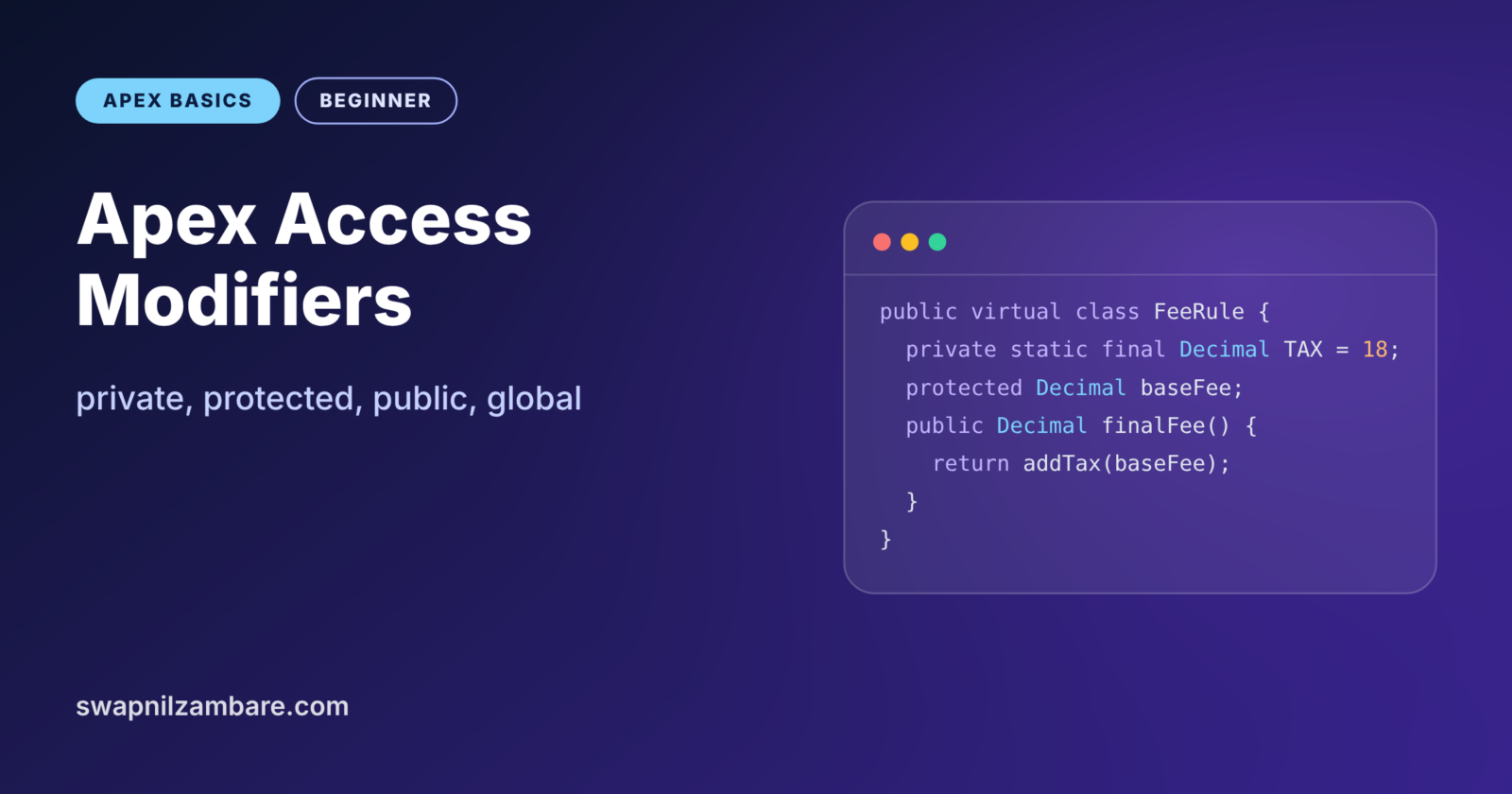
Apex Access Modifiers decide who can see and use your classes, methods and variables. They are the small words like public and private at the start of a line. Choosing them well keeps your code safe from misuse and makes it clear which parts others should call.
You have typed public and private many times already. They appeared in Apex methods and in the CourseBatch class from Apex classes and objects. Now we explain exactly what each modifier does. You will also learn protected and global, which show up in interviews and in managed packages. If you want a refresher on how orgs and packages fit together, see installing AppExchange apps.
What Are Apex Access Modifiers?
An access modifier is a keyword that sets the visibility of a class member. Visibility means which other code may read a variable or call a method. Apex has four access modifiers: private, protected, public and global.
Think of rooms in a school. Only teachers enter the private staff room. Next, a protected classroom lets in students of that class and their teacher. Then the public school hall is open to anyone in the school. Finally, the global front gate area welcomes even visitors from outside.
Why Apex Access Modifiers Matter
Without Apex Access Modifiers, any code could change any value. That quickly leads to bugs that are hard to trace. Apex Access Modifiers give you clear boundaries.
- Protect data. Outside code cannot set a private seat count to a negative number.
- Show intent. Public methods tell teammates “call me”, while private ones say “internal only”.
- Change safely. You can rewrite private helpers without breaking other classes.
- Package safely. Global decides what managed package customers can use.
- Pass reviews. Security reviews and code reviews check that only needed parts are open.
How Apex Access Modifiers Work
Apex checks access when it compiles your code. If a class tries to call a private method from another class, the compiler stops with an error. So access problems show up early, long before users see them.
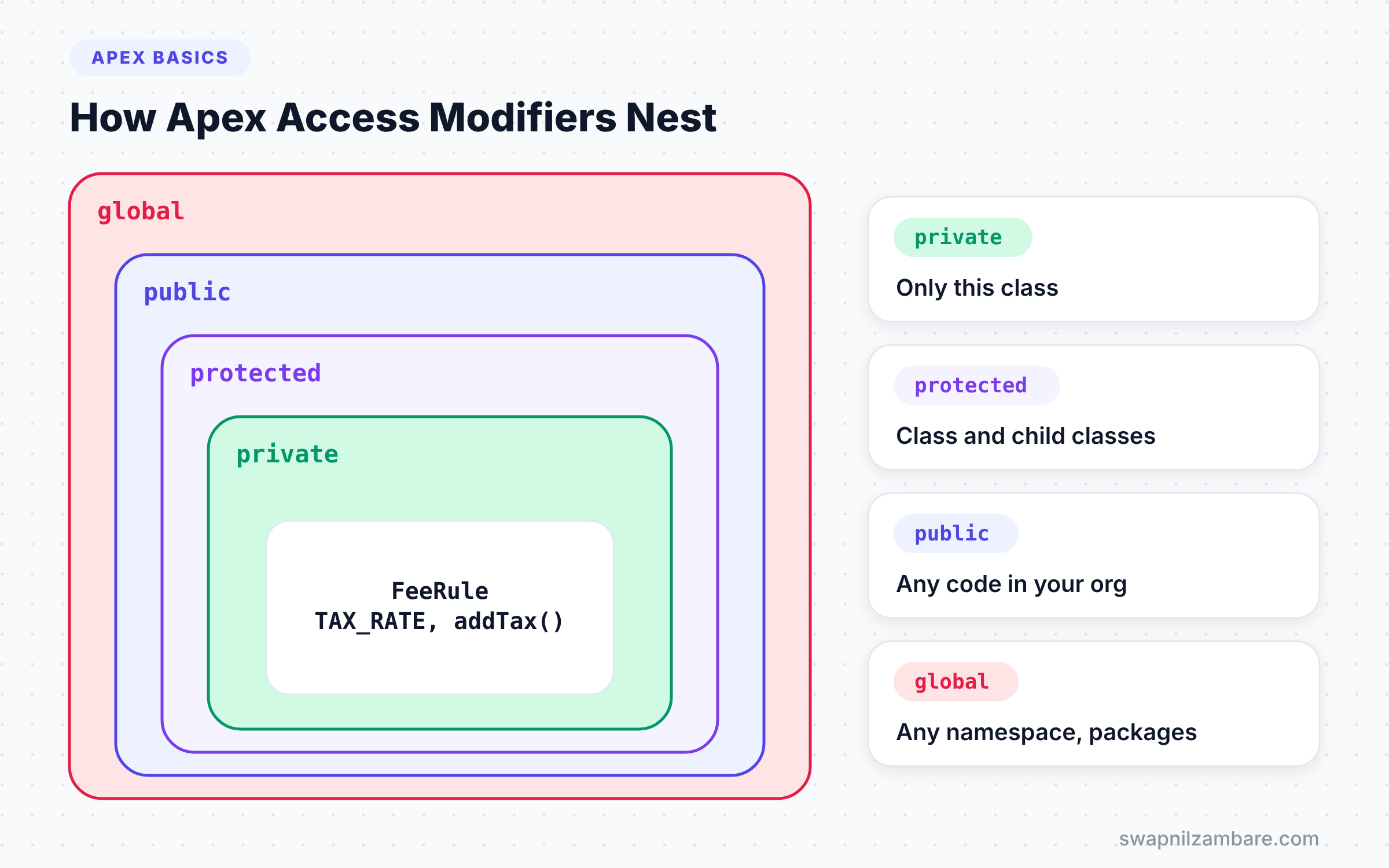
Each modifier opens a wider circle of access. private is the smallest circle, only the class itself. global is the largest, which includes code outside your namespace.
The Default Is private
If you leave out the modifier on a method or variable, Apex treats it as private. So Integer count; inside a class is private. Many teams still write private on purpose, because it makes the intent clear.
Top-Level Classes
A top-level class, the main class in a file, must be public or global. Test classes are an exception, and they are usually private with the @isTest label.
The Four Apex Access Modifiers
The table below shows where each modifier allows access. “Yes” means code in that place can use the member.
| Modifier | Same class | Inner and child classes | Other classes in your org | Other namespaces |
|---|---|---|---|---|
| private | Yes | Inner classes only | No | No |
| protected | Yes | Yes | No | No |
| public | Yes | Yes | Yes | No |
| global | Yes | Yes | Yes | Yes |
private
private members are visible only inside the class that defines them, including its inner classes. Use it for helper methods and internal data. Most of your variables should be private.
protected
protected members are visible to the class, its inner classes and any class that extends it. You can only use it on instance methods and member variables, not on static ones. It matters when you build base classes for others to extend.
public
public members are visible to any Apex code in your org or in the same namespace. This is the normal choice for classes and methods that other code needs to call.
global
global members are visible to code in any namespace. You need it for managed packages and for some web services. However, once a global method ships in a managed package, you cannot remove or rename it easily. So use global only when you truly need it.
A Real Apex Access Modifiers Example
Let’s use Apex Access Modifiers in a small fee module for Bright Path Tutors. The base class FeeRule holds shared logic. A child class OnlineFeeRule adds an online discount. Each member uses the narrowest modifier that works.
public with sharing virtual class FeeRule {

    private static final Decimal TAX_RATE = 18;   // internal only
    protected Decimal baseFee;                    // children can use it

    public FeeRule(Decimal baseFee) {
        this.baseFee = baseFee;
    }

    public Decimal finalFee() {                   // anyone can call
        return addTax(priceBeforeTax()).setScale(2);
    }

    protected virtual Decimal priceBeforeTax() {  // children may override
        return baseFee;
    }

    private Decimal addTax(Decimal amount) {      // helper, hidden
        return amount + (amount * TAX_RATE / 100);
    }
}
TAX_RATE and addTax are private, so no other class can change the tax maths. Next, baseFee and priceBeforeTax use protected access, so child classes can use and change them. Only the constructor and finalFee are public, because those are the parts outside code needs.
Here is the child class in its own file.
public with sharing class OnlineFeeRule extends FeeRule {

    public OnlineFeeRule(Decimal baseFee) {
        super(baseFee);
    }

    protected override Decimal priceBeforeTax() {
        return baseFee * 0.9;   // 10% online discount
    }
}
The child calls the parent constructor with super. Then it overrides the protected method to apply a discount. It can read baseFee thanks to its protected access. It cannot touch TAX_RATE, because that one is private.
Now test both from anonymous Apex.
FeeRule classroom = new FeeRule(6000);
FeeRule online = new OnlineFeeRule(6000);

System.debug('Classroom: ' + classroom.finalFee());
System.debug('Online: ' + online.finalFee());
The log shows the classroom fee with tax, and the online fee with a discount and tax.
USER_DEBUG [4]|DEBUG|Classroom: 7080.00
USER_DEBUG [5]|DEBUG|Online: 6372.00
If you try classroom.addTax(100) in the same script, the compiler refuses. The message says the method is not visible. That is the access modifier doing its job.
public vs global
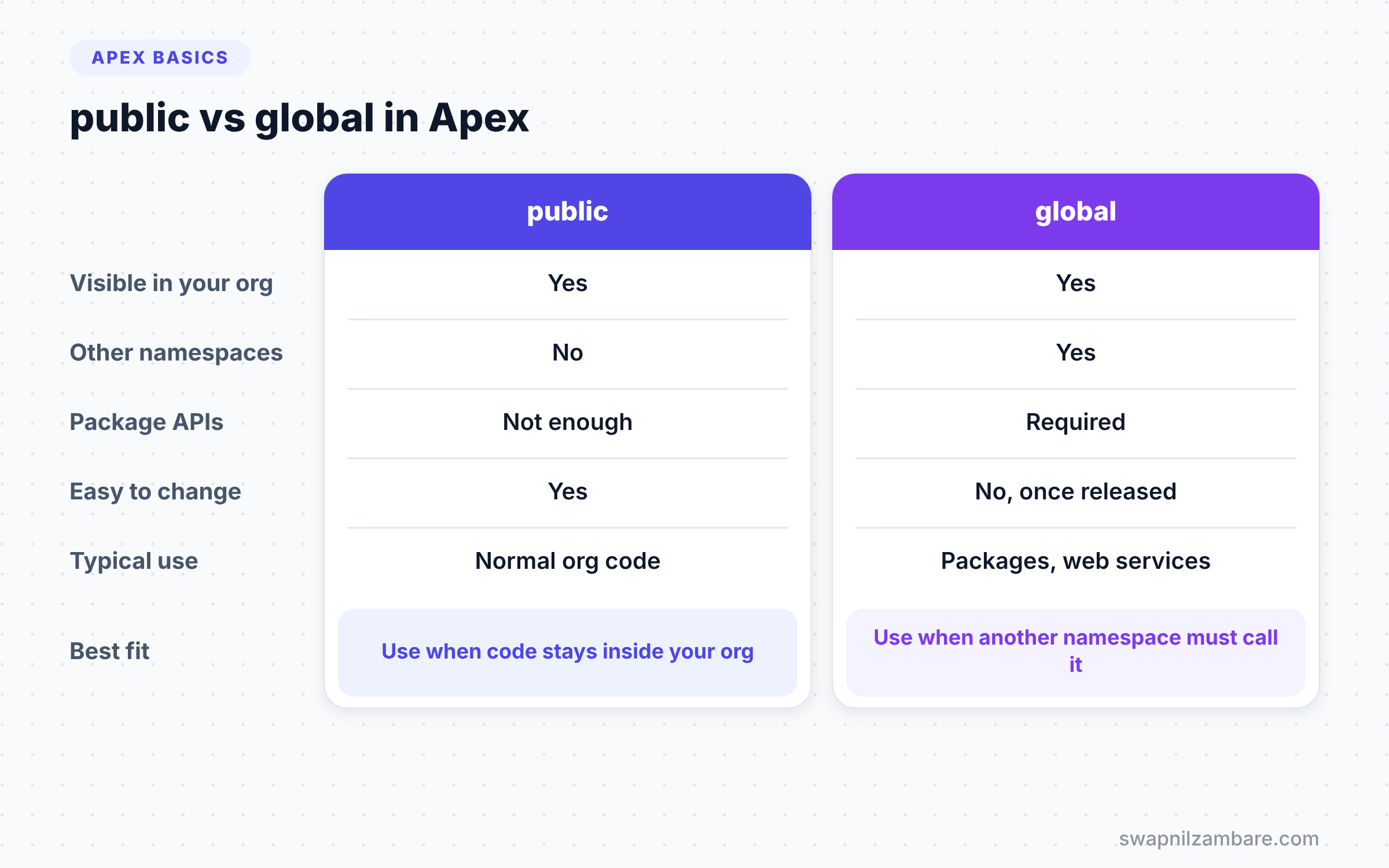
These two are the most often confused Apex Access Modifiers. The table below compares them.
| Feature | public | global |
|---|---|---|
| Visible in your org | Yes | Yes |
| Visible to other namespaces | No | Yes |
| Needed for managed package APIs | No | Yes |
| Easy to change later | Yes | No, once released in a package |
| Typical use | Normal org code | Package APIs and some web services |
When to use which is clear for most developers. Use public for normal code in your org, and use global only when code from another namespace must call it.
Access Modifiers vs Other Class Keywords
Beginners often confuse access modifiers with other keywords that appear in the same spot. These keywords do different jobs.
First, virtual lets other classes extend or override a class or method. Next, abstract stops anyone creating the class directly, and it allows methods with no body. Then override marks a method that replaces a parent’s virtual method. Finally, with sharing controls record access for the running user, not code visibility.
So a line like public with sharing virtual class FeeRule combines several ideas. public is the only Apex Access Modifier in it. The other words control sharing and inheritance.
Testing Private Members with @TestVisible
Private methods create a small problem for testing. Your test class cannot call them, because the modifier hides them. Apex solves this with the @TestVisible annotation.
@TestVisible
private Decimal addTax(Decimal amount) {
    return amount + (amount * TAX_RATE / 100);
}
With this label, test classes can call addTax directly. Normal code still cannot see it, so your design stays clean. Use @TestVisible instead of making a method public just to test it. That way, Apex Access Modifiers keep protecting your real callers.
Apex Access Modifiers and Components
When a Lightning Web Component calls Apex, the method needs two things. It must be public or global, and it must have the @AuraEnabled annotation. It must also be static.
For example, @AuraEnabled public static List<Course__c> getCourses() is a typical method a component calls. If you mark it private, the component cannot reach it. We will cover this in the LWC level, but the rule comes straight from Apex Access Modifiers.
Choosing the Right Modifier
A simple rule works well: start with the smallest access and open it only when needed. Begin with private. If a child class needs it, change it to protected. If another class needs it, make it public. Reach for global only for packages or special web services.
This habit keeps your public surface small. As a result, fewer things can break when you change your code later.
Here is a quick way to decide during code reviews. For each public method, ask who calls it today. If the answer is “only this class”, make it private. If the answer is “only child classes”, make it protected. This small review often removes half the public methods in a beginner’s class, and the code gets easier to change.
Common Mistakes with Apex Access Modifiers
- Making everything
publicby habit. It exposes internal details that others then depend on. - Using
globalin normal org code. It adds no value and makes future changes harder in packages. - Trying to use
protectedon a static method. Apex only allows it on instance members. - Forgetting the default is
private, then wondering why another class cannot call a method. - Confusing
with sharingwith access. Sharing controls records, not who can call your code.
Best Practices for Apex Access Modifiers
- Start private and widen access only when a real caller needs it.
- Write the modifier explicitly, even when private is the default, so intent is clear.
- Keep member variables private, and expose them through methods or read-only properties.
- Use
protectedwithvirtualmethods when you design classes for extension. - Review every
globalmember carefully before you release a managed package.
Practice Task
Create a child class PremiumFeeRule that extends FeeRule and adds 500 to the base fee before tax. Then print its final fee for a base of 6000. Hint: override priceBeforeTax and return baseFee + 500.
Official Resources
- Apex Developer Guide: Access Modifiers
- Apex Developer Guide: Extending a Class
- Trailhead: Apex Basics and Database
Quick Recap
- Apex Access Modifiers control who can use a class, method or variable.
- The four modifiers are private, protected, public and global.
- Members with no modifier are private by default.
- Protected works only on instance members and opens access to child classes.
- Use global only when code from another namespace must call your code.
What’s Next?
You have seen static in almost every example so far. Next, learn exactly what it changes in static vs instance members in Apex.