Static vs Instance is one of the first design choices you make for every variable and method in Apex. A static member belongs to the class itself, so there is only one copy. An instance member belongs to each object, so every object has its own copy. Getting this right avoids strange bugs, and it is a favourite interview question.
You have already seen both kinds. The FeeCalculator class from Apex methods used static methods. The CourseBatch class from Apex classes and objects used instance methods. In Apex access modifiers, you saw that protected only works on instance members. Now we will put the two side by side.
What Does Static vs Instance Mean?
You mark a static variable or method with the static keyword. It lives on the class, and you use it through the class name, such as FeeCalculator.finalFee(6000). You do not need to create an object first.
An instance variable or method has no static keyword. It lives on each object. So you must create an object with new before you can use it, such as morningBatch.enrol().
Here is a simple picture. Think of a school. The school’s phone number is static, because there is only one and everyone shares it. Each student’s roll number is instance data, because every student has a different one.
Why Static vs Instance Matters
The static vs instance choice changes how your data behaves. If you pick the wrong one, values may leak between objects or vanish when you expect them to stay.
- Shared counters. A static variable can count how many batches your code created in a transaction.
- Per-object data. Instance variables keep each batch’s seat count separate.
- Utility methods. Static methods suit helpers that need no stored data, such as fee maths.
- Trigger safety. Static flags stop a trigger from running twice in one transaction.
- Clarity. Static methods show at a glance that they use no object state.
How Static vs Instance Works
When Apex loads a class in a transaction, it creates one set of static variables for that class. Every object created from the class then shares those static variables. Each object also gets its own fresh set of instance variables.
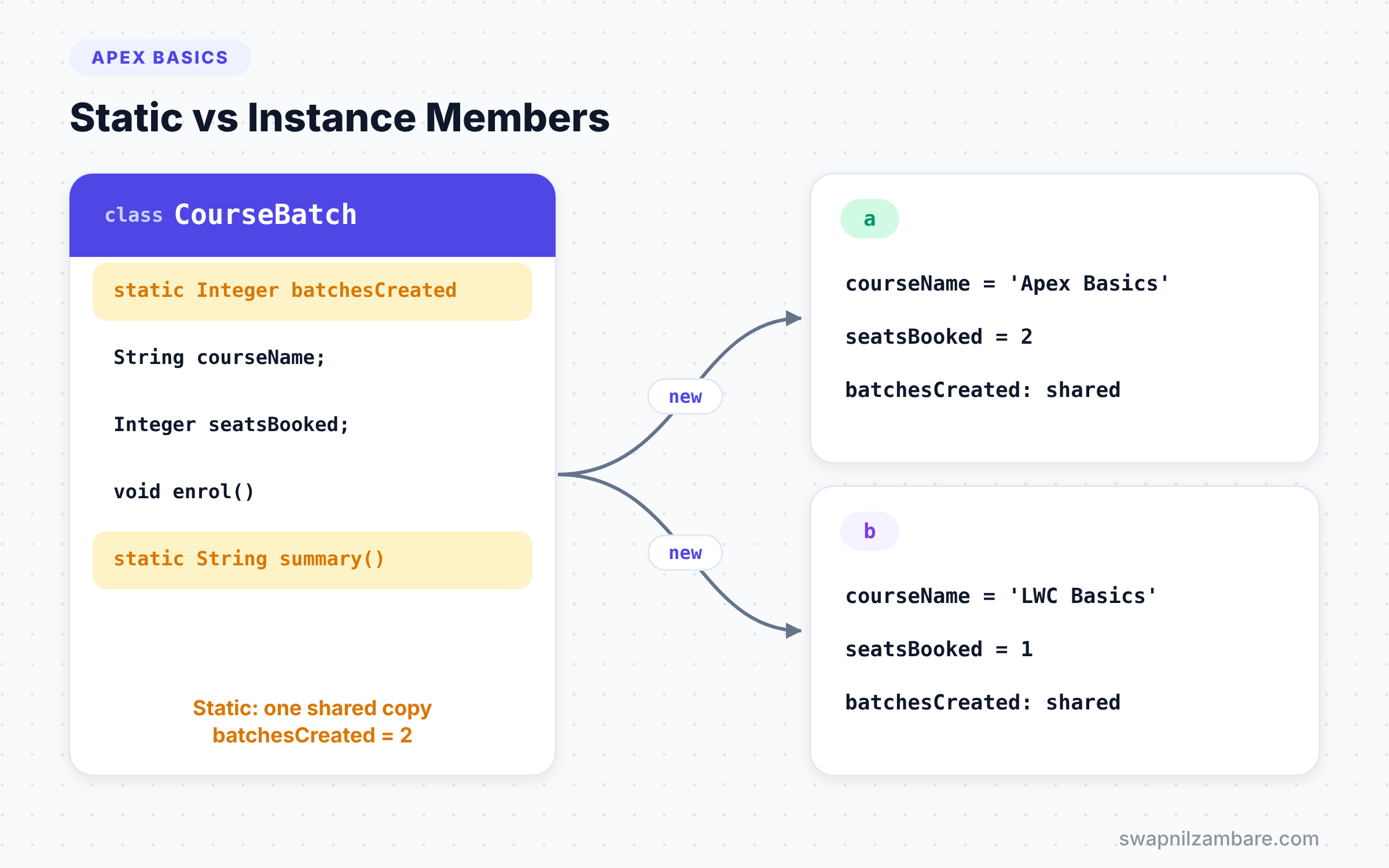
Static variables in Apex last only for one transaction. They are not shared between users or between separate requests. When the transaction ends, they disappear. Then a new transaction starts with fresh values.
This is different from Java, where static data can live as long as the server runs. In Salesforce, static means “shared for this one transaction”.
The Rules of Static vs Instance
Apex enforces a few clear static vs instance rules. Knowing them helps you read compile errors quickly.
Static Methods Cannot Use Instance Members
A static method has no object behind it. So it cannot read instance variables or call instance methods directly. It also cannot use the this keyword.
Instance Methods Can Use Static Members
An instance method can read and change static variables, and it can call static methods. This is how every object can update a shared counter.
Constants Are Usually Static
A constant like MIN_FEE is the same for every object. So it makes sense to write static final, which keeps one shared copy.
Static Initialisation Blocks
A static { } block runs once, the first time Apex uses the class in a transaction. You can use it to load settings into static variables.
Static vs Instance Side by Side
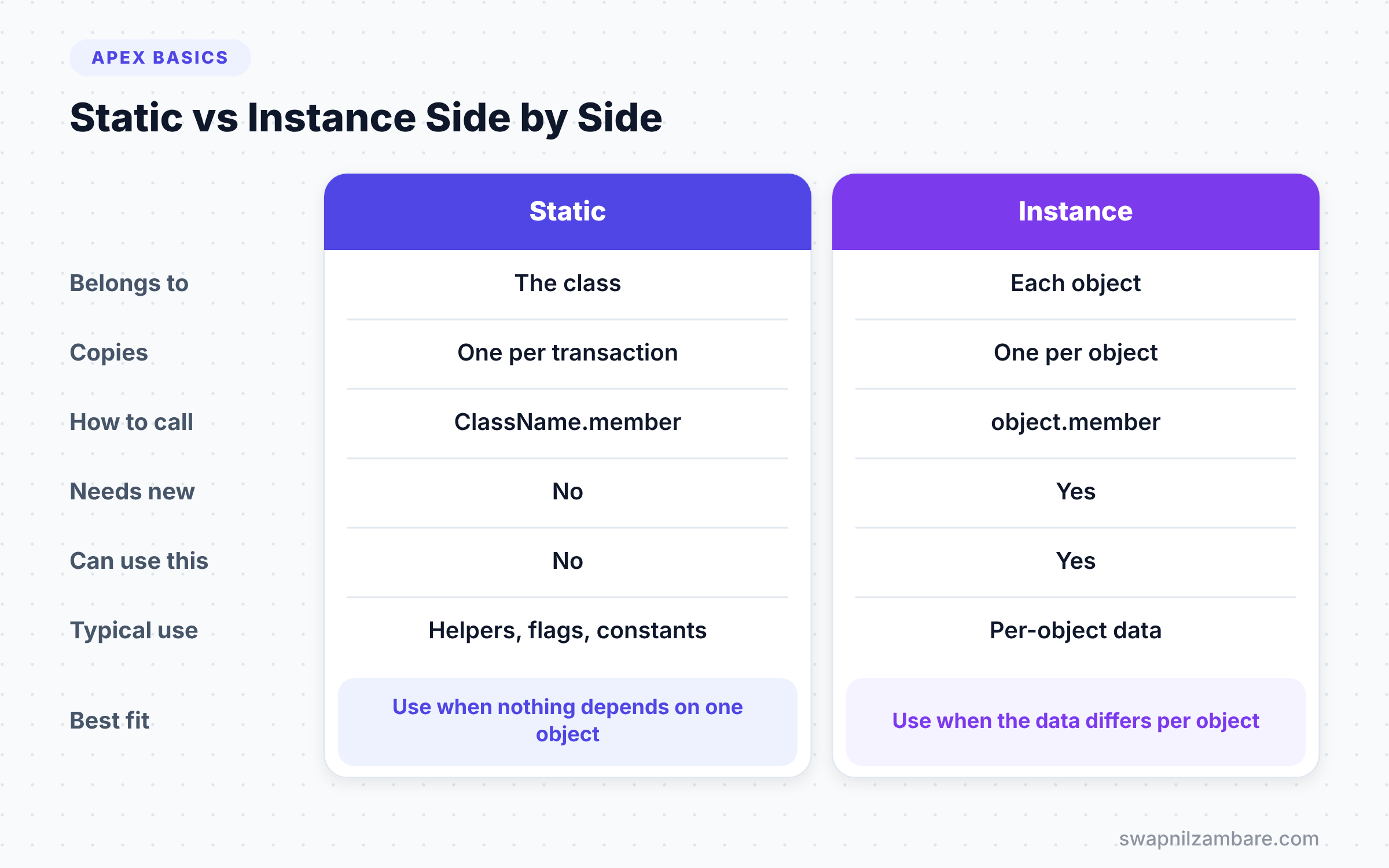
The table below compares the two kinds of members on the points that matter most.
| Feature | Static | Instance |
|---|---|---|
| Belongs to | The class | Each object |
| Copies in memory | One per transaction | One per object |
| How to call | ClassName.member | objectName.member |
| Needs new first | No | Yes |
| Can use this | No | Yes |
| Lifetime | Until the transaction ends | Until the object is no longer used |
| Typical use | Helpers, constants, counters, flags | Data that differs per object |
When to use which is a simple question. Ask whether the value or action depends on one specific object. If yes, make it instance. If no, make it static.
A Real Static vs Instance Example
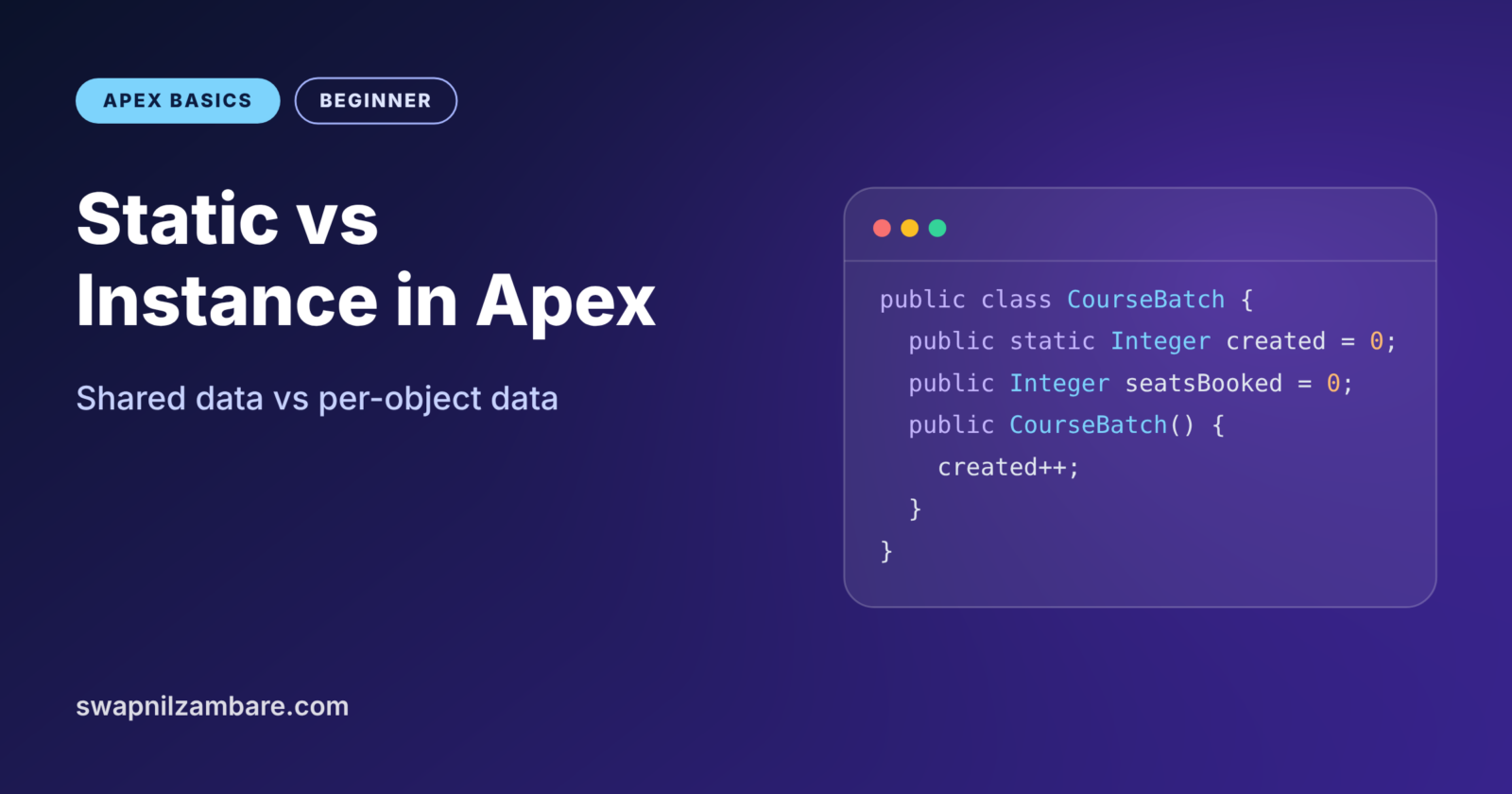
Let’s extend CourseBatch from the earlier post. Each batch keeps its own seat count, which is instance data. We also want a shared count of how many batches the code created in this transaction, which is static data.
public with sharing class CourseBatch {

    // Static: one shared copy for the whole transaction
    public static Integer batchesCreated = 0;

    // Instance: every batch has its own values
    public String courseName;
    public Integer seatsBooked = 0;

    public CourseBatch(String courseName) {
        this.courseName = courseName;
        batchesCreated++;          // instance code can update static data
    }

    public void enrol() {
        seatsBooked++;
    }

    public static String summary() {
        return 'Batches created: ' + batchesCreated;
        // seatsBooked is not allowed here, because it is instance data
    }
}
The static variable batchesCreated starts at 0 once for the class. Every time the constructor runs, it adds 1 to that shared count. Meanwhile, seatsBooked belongs to each object, so each batch tracks its own students. The static summary method can read the static count but not any batch’s seats.
Now let’s use it.
CourseBatch a = new CourseBatch('Apex Basics');
CourseBatch b = new CourseBatch('LWC Basics');

a.enrol();
a.enrol();
b.enrol();

System.debug(a.courseName + ' seats: ' + a.seatsBooked);
System.debug(b.courseName + ' seats: ' + b.seatsBooked);
System.debug(CourseBatch.summary());
We call enrol on each object, and each keeps its own count. Then we call summary on the class itself, not on an object. The log shows this.
USER_DEBUG [8]|DEBUG|Apex Basics seats: 2
USER_DEBUG [9]|DEBUG|LWC Basics seats: 1
USER_DEBUG [10]|DEBUG|Batches created: 2
Static Variables in Triggers
The most common real use of static variables is in triggers. Sometimes a trigger updates a record, which fires the same trigger again. Without a guard, the logic can run twice or loop. A static Set of processed Ids stops that.
public with sharing class CourseTriggerGuard {
    public static Set<Id> processedIds = new Set<Id>();
}
Inside the trigger handler, you skip any record whose Id is already in processedIds. Then you add each new Id after you process it. Because the Set is static, it survives across the repeat trigger calls in the same transaction. When the transaction ends, it resets automatically.
Many older examples use a single static Boolean flag instead. However, a flag can block valid records in large data loads, because Salesforce splits them into chunks of 200. The Set of Ids is the safer pattern.
Choosing Static vs Instance for Methods
For methods, a quick test helps. Does the method read or change any instance variable? If not, it can probably be static.
Pure helpers, such as FeeCalculator.addTax, are great as static methods. Anyone can call them without setting up an object. On the other hand, methods like enrol change one batch’s data, so they must be instance methods.
Lightning Web Components add one more rule. Any Apex method a component calls with @AuraEnabled must be static. So you will write many static methods for components, even if they create objects inside.
Static vs Instance Quick Guide
Here is a quick guide for common members you will write. The table shows the usual static vs instance choice for each one.
| Member | Usual choice | Reason |
|---|---|---|
| Tax rate or minimum fee | Static final | Same for everyone |
| Fee calculation helper | Static method | Needs no stored data |
| A batch’s seat count | Instance variable | Differs per batch |
| enrol() on a batch | Instance method | Changes one batch |
| Trigger recursion Set | Static variable | Shared across trigger calls |
| Method called by LWC | Static method | Required by @AuraEnabled |
Use this guide as a starting point, not a strict law. If you are unsure, start with instance members for data and static members for pure helpers. Then adjust as the design becomes clear.
Static vs Instance in Interviews
Interviewers love this topic because it shows whether you understand how Apex runs. Expect questions like “Can a static method call an instance method?” The answer is no, not directly. It must first create an object, or receive one as a parameter.
Another common question is “How long does a static variable live in Apex?” The correct answer is one transaction. Many candidates say “forever” because they think of Java. In Salesforce, every new request starts with fresh static values.
You may also get “How do you stop a trigger from running twice?” Here, describe the static Set of Ids pattern from this post. Mention why it beats a single Boolean flag in large data loads. A clear static vs instance answer like this shows real project experience.
Common Mistakes with Static vs Instance
- Calling an instance method on the class name. Create an object with
newfirst. - Using an instance variable inside a static method. Pass the value in as a parameter instead.
- Expecting static data to last across transactions. It resets every time a new transaction starts.
- Storing per-record data in a static variable. All objects then overwrite the same value.
- Using one static Boolean as a recursion guard. Use a static Set of Ids so large loads still work.
Best Practices for Static vs Instance
- Make helper methods static when they need no object data.
- Keep data that differs per object as instance variables.
- Use
static finalfor constants, so there is one clear copy. - Use static Sets of Ids for trigger recursion control.
- Keep static variables private when possible, and expose them through methods.
Practice Task
Add a static variable totalSeatsBooked to CourseBatch that counts seats across all batches. Update enrol so it adds to both counts. Then create three batches, enrol five students in total and print both numbers. Hint: instance methods can update static variables directly.
Official Resources
- Apex Developer Guide: Static and Instance Methods, Variables and Initialization Code
- Apex Developer Guide: Classes, Objects and Interfaces
- Trailhead: Apex Basics and Database
Quick Recap
- Static members belong to the class, while instance members belong to each object.
- In the Static vs Instance choice, ask if the data depends on one object.
- Static variables in Apex last only for one transaction.
- Static methods cannot use instance variables or
this. - Use a static Set of Ids to stop triggers from running twice.
What’s Next?
Apex also comes with many ready-made methods for text, dates and numbers. Next, read Apex built-in methods for String, Date and Math to save time on everyday tasks.